The best budget webcams make video calls, online classes, and casual streaming look noticeably better than most built-in laptop cameras. We compared affordable models from Logitech, NexiGo, Anker, EMEET, and Razer for image quality, audio, autofocus, privacy, compatibility, and value. Our top pick is the Logitech Brio 101 because it delivers dependable Full HD video, automatic light balancing, and a physical privacy shutter at a reasonable price. There are also stronger options for wide-angle framing, 2K detail, and streaming controls.
Some links on this page are affiliate links. If you buy through them, we may earn a commission at no extra cost to you.
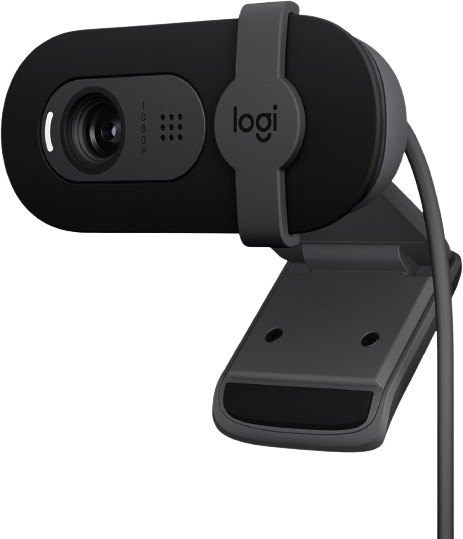
The Logitech Brio 101 is a straightforward Full HD webcam for video meetings, online classes, and everyday calls. It combines 1080p video at 30 frames per second with automatic light balancing, an integrated microphone, and a physical privacy shutter.
Why we love it
Full HD 1080p video is sufficient for most Zoom, Teams, Meet, and Skype calls.
Automatic light balancing helps maintain a usable image when room lighting is inconsistent.
The built-in privacy shutter provides a simple physical way to cover the lens.
Logitech’s broad compatibility and established support make setup less risky.
Its fixed-focus design is practical for normal desk-distance calls and reduces autofocus hunting.
Watch out for
It is limited to 30 frames per second at 1080p.
The fixed focus is less suitable for frequent close-up product demonstrations.
The built-in microphone is convenient but not a replacement for a dedicated USB microphone.
Best for: Remote workers and students who want a dependable, uncomplicated webcam from a well-known brand.
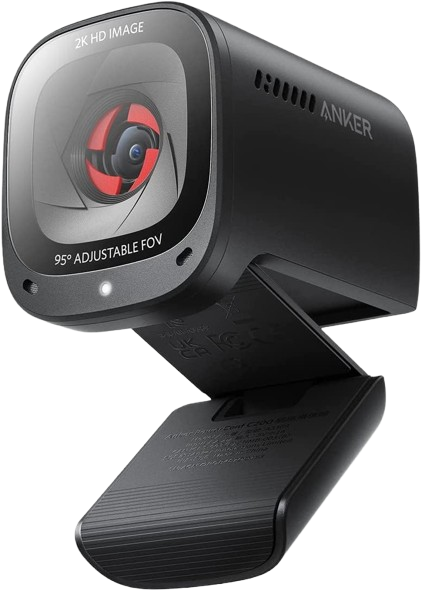
The PowerConf C200 is a higher-resolution budget webcam with 2K video, autofocus, dual microphones, adjustable framing, and a built-in privacy cover. Its 65°, 78°, and 95° field-of-view options make it more flexible than most inexpensive 1080p webcams.
Why we love it
2K resolution provides extra detail for calls, presentations, and recordings.
Autofocus is useful when you move around or hold objects near the camera.
Adjustable field-of-view settings support both individual calls and small group meetings.
Dual microphones and software controls add versatility for home-office users.
Reddit feedback frequently praises its image quality relative to its price.
Watch out for
Some video apps may default to 720p or another lower resolution unless settings are changed.
Higher resolution does not guarantee better results in a poorly lit room.
It is often priced above basic 1080p models, so the extra detail may not matter for simple calls.
Best for: Users who want sharper-than-1080p video and adjustable framing without moving to a premium webcam.
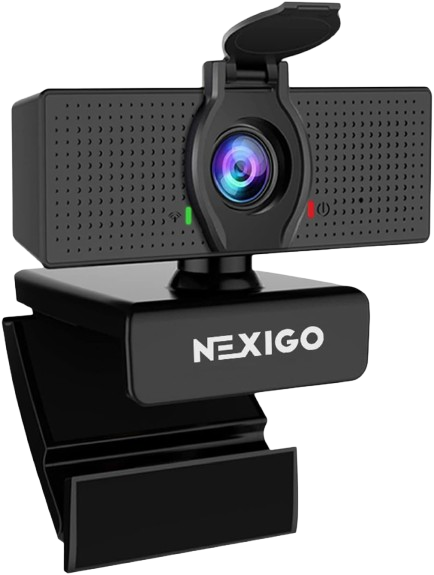
The NexiGo N60 is an inexpensive 1080p webcam with a wide 110-degree field of view, fixed focus, omnidirectional microphone, privacy cover, and optional software controls. It is especially attractive for group calls or users who want broad framing at a low price.
Why we love it
Full HD 1080p video at 30 frames per second is strong for the price.
The 110-degree field of view can include more people or a larger background.
An included privacy cover adds useful everyday security.
Windows, macOS, and ChromeOS compatibility simplify basic setup.
Long-term Reddit feedback describes it as good enough for the price, with some owners using it for years.
Watch out for
The very wide lens can produce noticeable fisheye or edge distortion.
Fixed focus is less forgiving if you sit unusually close or far from the camera.
Professional testing has noted compromises in image quality despite the attractive specifications.
Best for: Budget-conscious buyers who need a wide view for meetings, classrooms, or small-group calls.
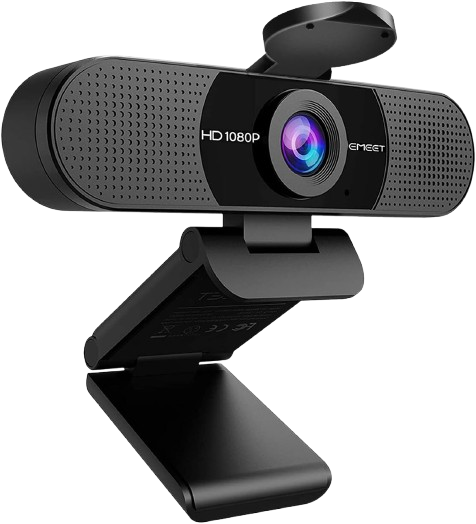
The EMEET C960 offers 1080p video, a 90-degree field of view, automatic low-light correction, two noise-canceling microphones, and a physical privacy cover. It is a practical home-office webcam for people who want wider framing and built-in audio features.
Why we love it
1080p at 30 frames per second is appropriate for common video-conferencing platforms.
The 90-degree view is wider than many traditional office webcams without being extremely expansive.
Two microphones are useful when you do not own a separate headset or microphone.
Automatic light correction can help in rooms with uneven illumination.
Plug-and-play USB connectivity keeps installation simple.
Watch out for
The included microphones may still sound thin compared with a dedicated microphone.
A 90-degree frame can show more of a messy or distracting background.
EMEET offers several visually similar C960 variants, so buyers should check the exact resolution and focus type.
Best for: Home-office users who want wide framing, dual microphones, and a privacy cover in one affordable package.
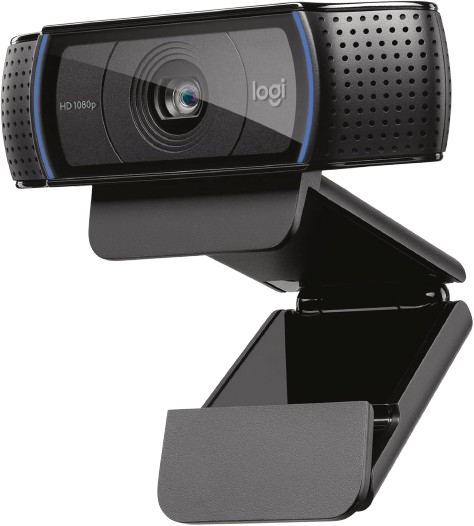
The C920x remains a proven 1080p webcam with autofocus, automatic light correction, dual microphones, and a 78-degree field of view. It costs more than entry-level models but has a long track record as a dependable choice for calls and beginner streaming.
Why we love it
Autofocus makes it more adaptable than fixed-focus budget webcams.
Full HD video at 30 frames per second remains suitable for calls and basic streaming.
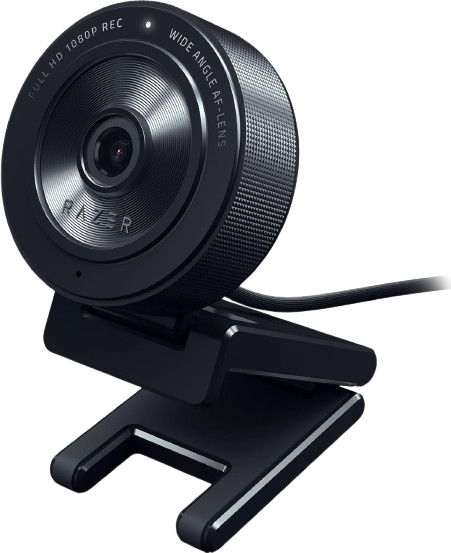
The Razer Kiyo X is a compact streaming webcam offering 1080p at 30 frames per second or 720p at 60 frames per second, autofocus, flexible mounting, and software-based image customization. It is aimed more at beginner streamers than users who only make occasional work calls.
Why we love it
Autofocus is helpful for streamers who move during broadcasts.
The 720p/60fps mode can make motion look smoother than standard 30fps video.
Razer Synapse provides additional control over camera settings.
Flexible mounting works well on monitors, laptops, and tripods.
Its compact design is convenient for portable streaming setups.
Watch out for
It does not include the ring light found on the original Razer Kiyo.
1080p is limited to 30 frames per second.
Razer software adds useful controls but makes the experience less purely plug-and-play.
Best for: Beginner streamers who want autofocus, smoother 720p video, and software controls.
The Logitech Brio 101 webcam deserves the top spot because it gets the basics right without adding unnecessary complexity. The 1080p resolution is crisp enough for everyday video calls, online learning, interviews, and simple streaming, while automatic light balancing helps compensate for less-than-ideal room lighting. The physical privacy shutter is a particularly useful feature in this price range, and Logitech's extensive software and operating system support makes compatibility less of an issue. The Brio 101 doesn't offer autofocus, 2K video, or advanced streaming controls, but these omissions are justifiable for a budget webcam designed for casual desk use. Buyers looking for a wider frame or higher resolution should consider the NexiGo N60 or Anker PowerConf C200. However, for most people, the Brio 101 offers the best balance of image quality, simplicity, privacy, brand support, and long-term value.
How we picked
We selected these webcams by comparing manufacturer specifications, professional reviews, long-term user feedback, availability on Amazon, and feature sets in the budget market segment. Key criteria included maximum video resolution, frame rate, focusing system, field of view, microphone design, low-light performance, privacy features, mounting flexibility, operating system compatibility, and ease of setup. We also considered whether the model was from a reputable brand with accessible software, support documentation, and consistently positive customer reviews. Professional testing helped identify differences that cannot be demonstrated by specifications alone, such as fisheye distortion, exposure behavior, microphone clarity, and image sharpness. Reddit discussions and a broader range of user reviews were helpful in identifying recurring issues and long-term reliability patterns. Prices and product availability are subject to change, so readers should check the current Amazon listing before purchasing. These recommendations are based on manufacturer specifications, expert reviews, long-term user feedback, and feature comparisons, not personal testing.
Frequently Asked Questions
For most video calls, 1080p at 30 frames per second is the best starting point. It provides a clear image without demanding as much bandwidth or computer performance as 2K or 4K. A 2K model is worthwhile if you crop video, record presentations, or want extra detail.
Autofocus is more flexible when you move, hold products up to the camera, or change your seating distance. Fixed focus can be perfectly reliable for a person who remains at a normal desk distance and may avoid distracting focus changes. The Logitech Brio 101 and NexiGo N60 use fixed-focus designs, while the Anker PowerConf C200, Logitech C920x, and Razer Kiyo X offer autofocus.
A physical privacy cover is useful if the webcam remains connected to your computer when you are not using it. It blocks the lens mechanically rather than relying on software permissions. If a model lacks one, you can use a separate sliding cover, but check that it does not interfere with the camera’s mount.
A wide field of view is useful for group calls, demonstrations, and showing more of a workspace. However, very wide lenses can make faces appear smaller and may introduce fisheye distortion near the edges. For one-person meetings, a view around 70 to 80 degrees often looks more natural; the NexiGo N60’s 110-degree view is better suited to broader scenes.
Not automatically. The Anker PowerConf C200 offers more resolution and framing controls, but image quality also depends on lighting, exposure, focus, software, and microphone performance. A well-tuned 1080p webcam such as the Logitech Brio 101 or C920x can be the better choice for simple calls and consistent day-to-day use.
The listed USB webcams are designed for common computer video applications and generally work as selectable camera and microphone devices. Connect the webcam, allow the operating system to recognize it, then choose it in the meeting app’s audio and video settings. USB-C-only laptops may require a compatible USB-A adapter or hub because several models use USB-A cables.