Best Cameras for Streaming 2026: Top Picks for Every Budget
Choosing the right camera can significantly enhance the professionalism of your stream and increase viewer engagement. The best streaming cameras strike a balance between resolution, reliable autofocus, low-light performance, and intelligent features like AI tracking. This guide features the best options across a range of price points, from proven 1080p models to advanced 4K models with HDR and mechanical stabilizers. Each recommendation is backed by cross-referenced specifications, professional ratings, and extensive user reviews. Whether you're starting out or upgrading your setup, these options provide consistent quality and compatibility with major streaming platforms.
Some links on this page are affiliate links. If you buy through them, we may earn a commission at no extra cost to you.
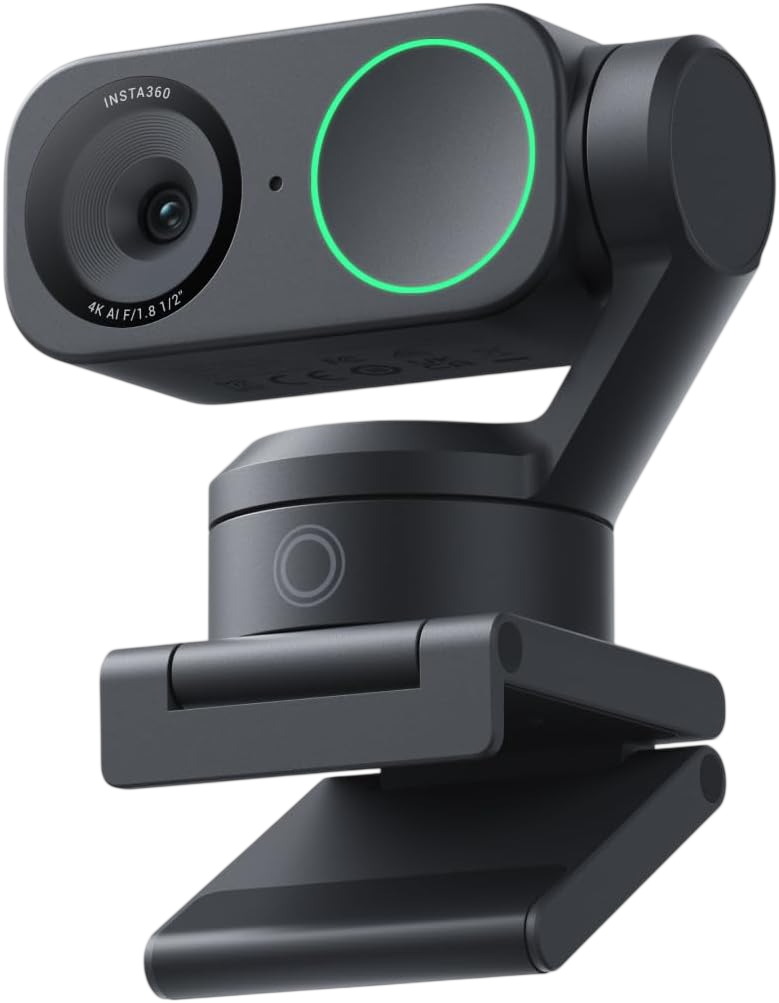
A 4K PTZ webcam with a 1/2-inch sensor, two-axis mechanical gimbal, and advanced AI tracking that physically follows your movement. Offers gesture control, DeskView mode, and phase-detection autofocus for sharp, dynamic framing.
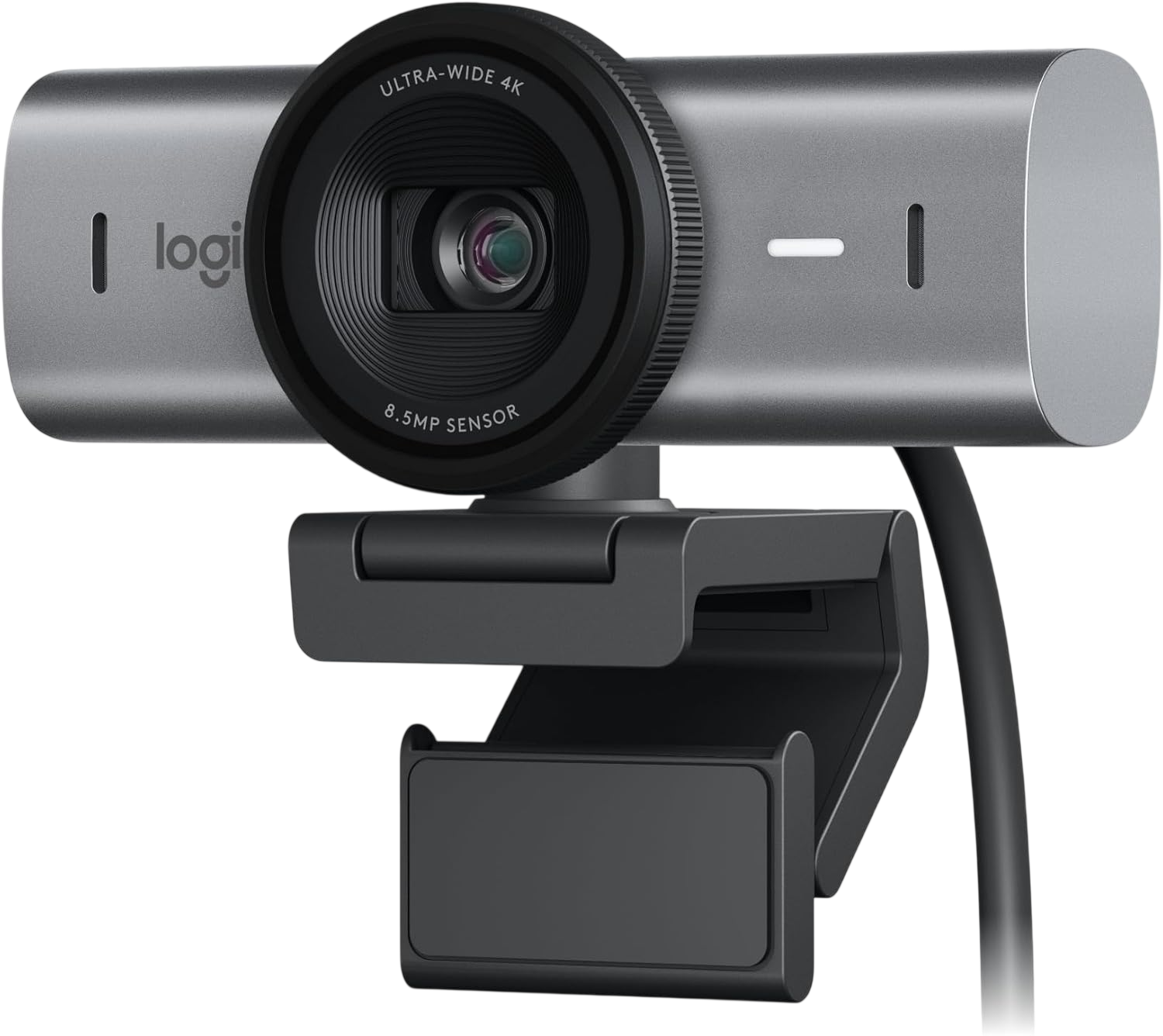
Logitech's flagship 4K webcam featuring a large-pixel sensor, AI-enhanced image processing, and Show Mode for document or object close-ups. Delivers sharp 4K at 30fps or smooth 1080p at 60fps.
Why we love it
70% larger pixels than previous generation for cleaner low-light performance
4K at 30fps or 1080p at 60fps with HDR support
AI-enhanced auto-exposure and white balance adapt to changing lighting
Show Mode tilts camera downward for desk or whiteboard presentations
Dual beamforming microphones with AI noise reduction
Watch out for
Fixed focus optimized for typical desk distances; not ideal for very close macro
USB-C connection requires adapter for some older systems
Premium price compared to basic 1080p options
Best for: Professionals and creators who need versatile 4K quality with smart framing and presentation modes.
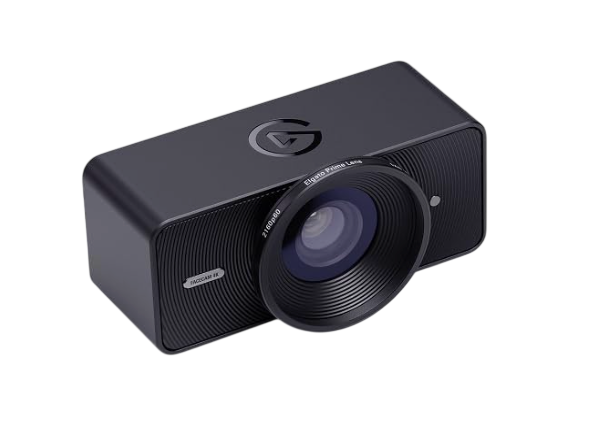
A studio-grade 4K60 webcam built around a Sony STARVIS 2 sensor, offering uncompressed video output, HDR, and DSLR-like manual controls. Includes a 49mm lens filter thread for custom looks.
Why we love it
True 4K at 60fps for ultra-smooth motion in fast-paced content
Sony STARVIS 2 sensor delivers exceptional clarity and color accuracy
Manual controls for ISO, shutter, white balance, and focus
49mm lens filter thread enables creative lighting and diffusion effects
Uncompressed video output preserves maximum detail for encoding
Watch out for
No built-in microphone; requires separate audio solution
Fixed focus design may not suit all desk setups
Demands USB 3.0 bandwidth and capable encoding hardware
Best for: Gamers and streamers who prioritize high frame rates and full manual control over image settings.
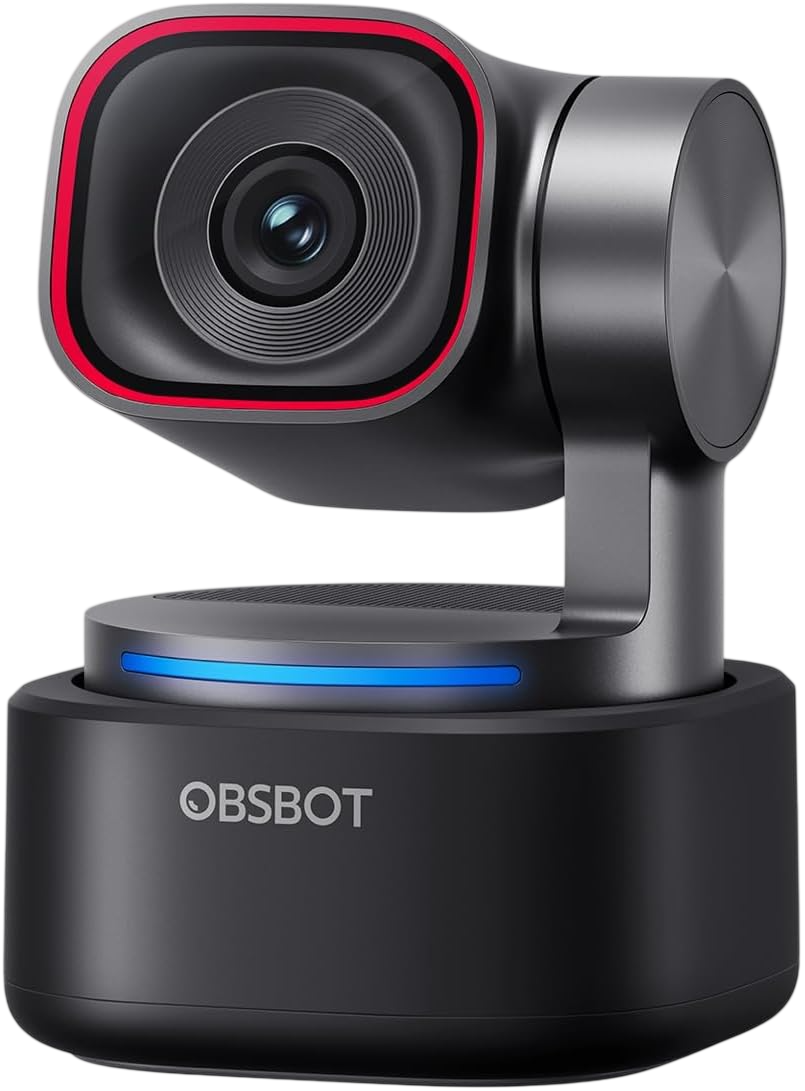
A compact 4K PTZ webcam with AI Tracking 2.0, voice tracking, and a 1/1.28-inch sensor. Features a two-axis gimbal, tri-mic spatial audio, and 1080p at 120fps for ultra-smooth motion.
Why we love it
AI Tracking 2.0 follows people, objects, and even voice direction
Large 1/1.28-inch sensor with f/1.8 aperture excels in low light
4K at 30fps or 1080p at 120fps for versatile frame rate options
Tri-mic array with spatial audio and voice locator enhances sound capture
Compact gimbal design with multiple mounting options
Watch out for
AI tracking can be overly sensitive in busy environments
Software setup required for advanced features
Higher price than basic webcams without PTZ functionality
Best for: Hybrid workers and presenters who need reliable auto-framing and excellent audio in one device.
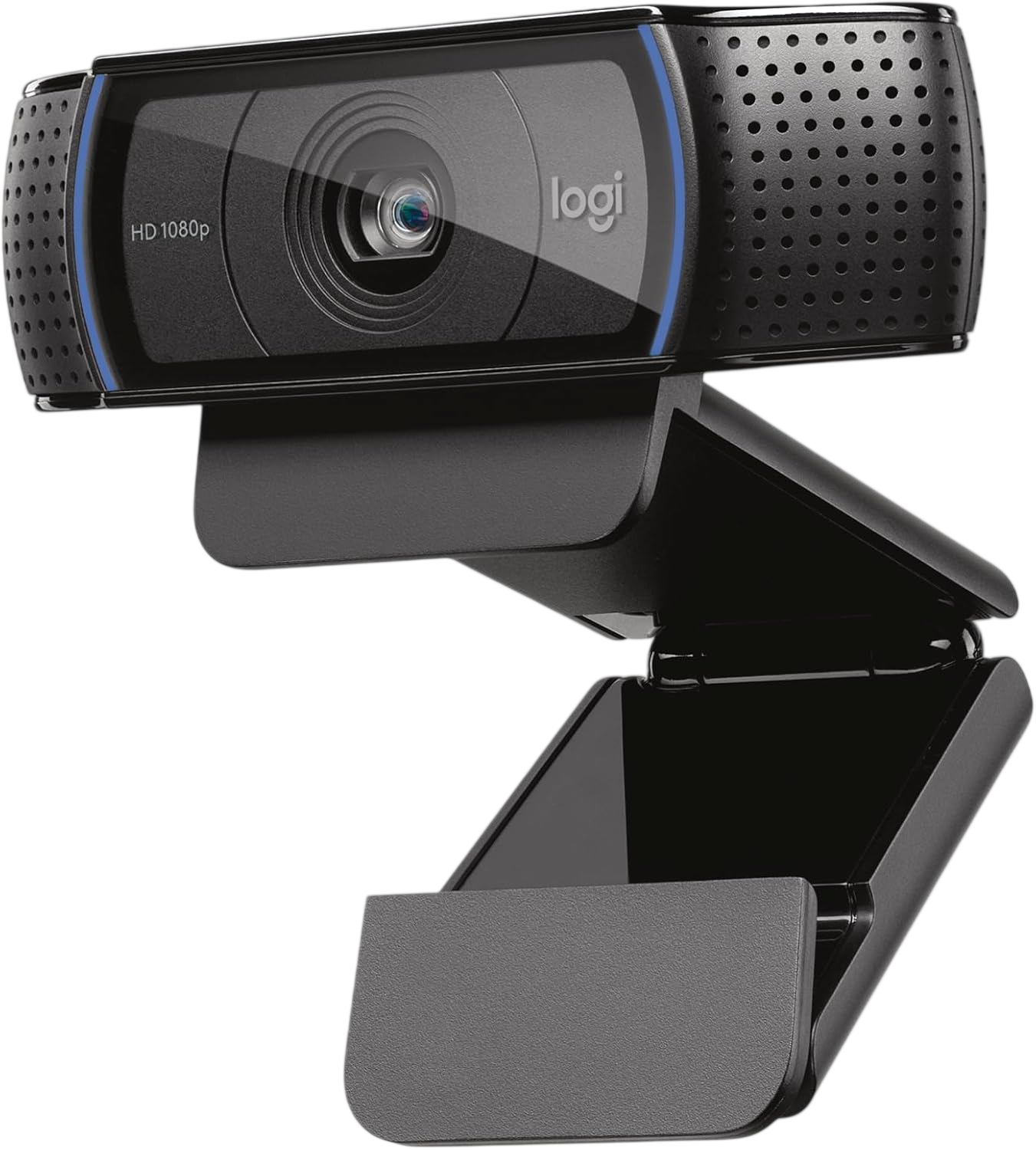
The enduring 1080p standard for streamers, offering reliable Full HD video, autofocus, stereo microphones, and HD light correction. Plug-and-play compatibility with all major platforms.
Why we love it
Proven 1080p at 30fps performance with consistent color and sharpness
Autofocus and HD light correction adapt to typical desk environments
Dual stereo microphones provide clear voice capture
Universal clip fits monitors, laptops, and tripods
Includes XSplit VCam license for virtual background effects
Watch out for
Limited to 1080p; not future-proof for 4K workflows
No privacy shutter built into the camera body
Plastic lens and housing feel less premium than newer models
Best for: Beginners and budget-conscious streamers who want dependable 1080p quality without complexity.
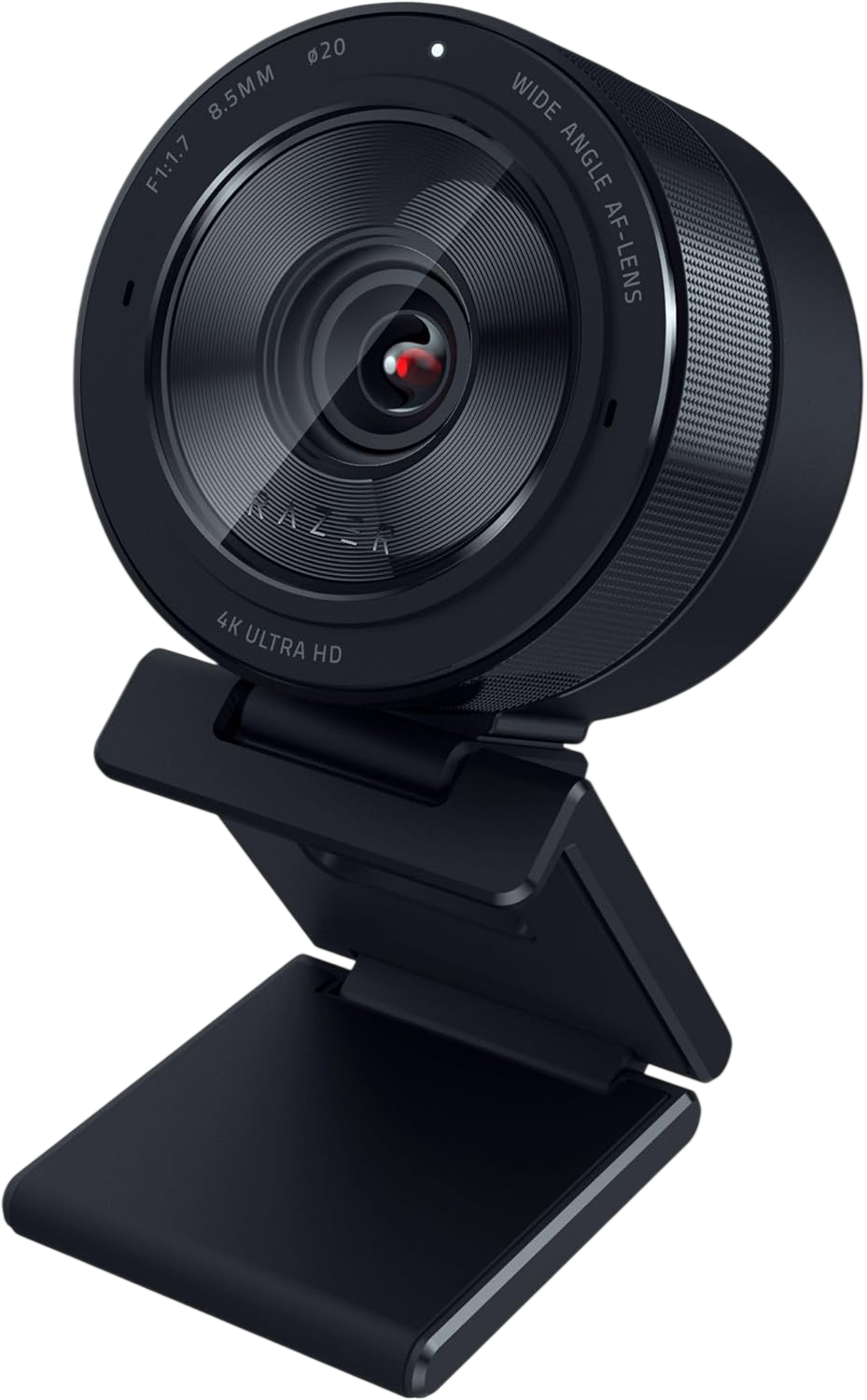
A premium 4K webcam with a 1/1.2-inch Sony sensor, f/1.7 aperture, and adaptive light sensor for outstanding low-light performance. Supports 4K at 30fps or 1080p at 60fps with HDR.
Why we love it
Large 1/1.2-inch Sony sensor with f/1.7 aperture captures more light
Adaptive light sensor optimizes exposure in dim or mixed lighting
4K at 30fps or 1080p at 60fps with HDR for vibrant colors
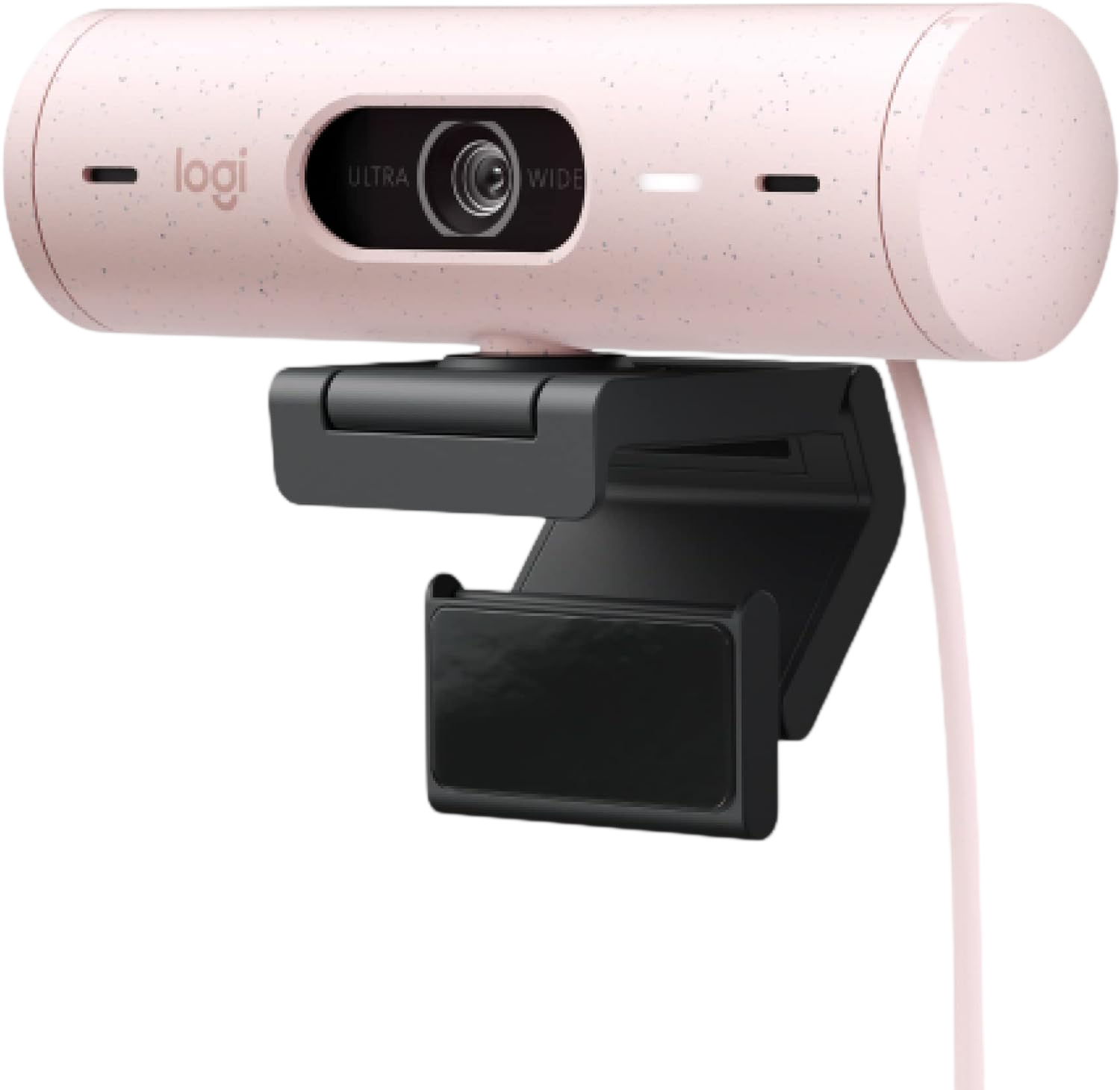
A sleek 1080p webcam with RightLight 3 HDR, auto-framing, and a privacy shutter. Designed for modern workspaces with USB-C connectivity and certified compatibility for major video platforms.
Why we love it
RightLight 3 HDR balances exposure in challenging lighting
Auto-framing keeps you centered without manual adjustment
Built-in privacy shutter and magnetic mount for flexibility
Dual beamforming mics with noise reduction for clear calls
Certified for Zoom, Teams, and Google Meet
Watch out for
Limited to 1080p at 30fps; not ideal for high-motion content
Auto-framing can feel restrictive for some use cases
USB-C cable may require adapter for older PCs
Best for: Remote workers and casual streamers who want reliable 1080p quality with modern conveniences.
The Insta360 Link 2 earns its "Best Overall" title thanks to its combination of 4K HDR image quality and a mechanical two-axis gimbal that physically tracks your movements. This hardware tracking ensures smoother and more reliable framing than software-only solutions, especially during dynamic broadcasts. A 1/2-inch sensor and phase-detection autofocus ensure crisp detail and fast focus transitions, while gesture control and AI modes reduce the need for manual adjustments. A compact magnetic mount and automatic privacy controls add convenience without sacrificing performance. While it lacks a built-in microphone, its video capabilities and intelligent framing make it the most versatile choice for streamers seeking a professional look without the complexity of a full-fledged camera. For most users, the Link 2 offers the optimal balance of resolution, automation, and ease of use in a single device.
How we picked
Our recommendations are based on independent, research-based product analysis, not personal hands-on testing. We compared manufacturer specifications, documentation, and feature lists with multiple official sources. Professional product ratings and in-depth reviews were compared to identify common strengths and weaknesses. Long-term user feedback from community discussions and verified post-purchase reviews helped assess real-world reliability and performance. We prioritized information that was consistently available from independent sources, placing greater emphasis on recent and technically detailed reports. Products were compared based on resolution, frame rate, sensor size, autofocus type, viewing angle, microphone quality, AI features, and software compatibility. Value for money was assessed based on the balance of features and price, as well as durability reports. Where sources disagreed, we gave preference to the most reliable and up-to-date data. This methodology ensures objective, fact-based recommendations for streamers of all levels.
Frequently Asked Questions
For most streamers, 1080p at 30fps is sufficient and widely supported by platforms like Twitch and YouTube. 4K is beneficial if you plan to crop, zoom, or future-proof your setup, but it demands more bandwidth and encoding power. If you stream fast-paced content like gaming, prioritize 1080p at 60fps over 4K at 30fps for smoother motion.
AI tracking is valuable if you move around during streams or want hands-free framing. Mechanical gimbal-based tracking (like in the Insta360 Link 2 or OBSBOT Tiny 3) is more reliable than software-only solutions. For static desk setups, a good fixed-frame 4K webcam may offer better value.
Most high-end webcams include microphones, but dedicated USB or XLR mics still deliver superior audio quality. Cameras like the Elgato Facecam 4K omit mics entirely, assuming you'll use external audio. For professional streams, invest in a separate microphone regardless of your camera choice.
Phase-detection autofocus (PDAF) is faster and more accurate than contrast-based AF, especially in low light. AI-enhanced AF uses software to predict focus but may lag with rapid movement. Fixed-focus lenses are optimized for typical desk distances but lack flexibility for close-ups or varied setups.
Yes, all recommended webcams are UVC-compatible and work with OBS, Streamlabs, and other broadcasting software. Ensure your USB port meets bandwidth requirements (USB 3.0 for 4K) and adjust encoding settings to match your camera's output resolution and frame rate.
Larger sensors capture more light, resulting in better low-light performance and reduced noise. Models like the Razer Kiyo Pro Ultra (1/1.2-inch) and OBSBOT Tiny 3 (1/1.28-inch) excel in dim environments. For well-lit setups, sensor size matters less than lens quality and processing.