Best 4K Monitors for Gaming, Work, and Everyday Use
The best 4K monitors balance sharp image quality, smooth refresh rates, and the right features for your setup. This guide focuses on real Amazon US products with strong expert and user feedback.
Some links on this page are affiliate links. If you buy through them, we may earn a commission at no extra cost to you.
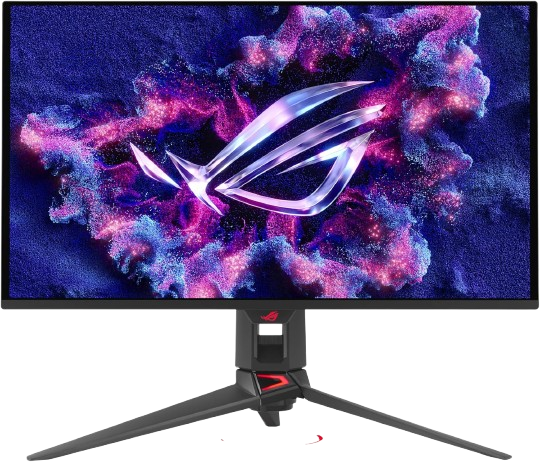
The ASUS ROG Swift OLED PG27UCDM takes first place because it delivers the most complete premium 4K experience in the group. Its QD-OLED panel combines deep contrast, vivid color, and superb motion handling in a compact 27-inch format that works well on most desks. That makes it equally compelling for fast-paced gaming, movie watching, and general desktop use. While it costs more than mainstream IPS options, it justifies the premium with picture quality that is consistently better than what you get from standard LCD monitors. For shoppers who want the best overall blend of performance and image quality, it is the most convincing all-around pick.
How we picked
We selected these monitors by cross-checking manufacturer specifications, professional reviews, long-term user feedback, and feature comparisons across gaming, productivity, and creator use cases. Instead of relying on personal hands-on testing, we prioritized models that repeatedly appear in trusted roundups and have consistently positive reception for display quality, build quality, and everyday reliability. We also looked for current Amazon US availability and favored products with clear strengths in areas that matter most to buyers: color accuracy, motion handling, connectivity, ergonomics, and overall value. Where relevant, we weighed panel technology as well, since OLED, Mini LED, and IPS displays each serve different needs. The result is a shortlist built for practical shoppers who want a 4K monitor that fits a real-world desk, not just a spec sheet.
Frequently Asked Questions
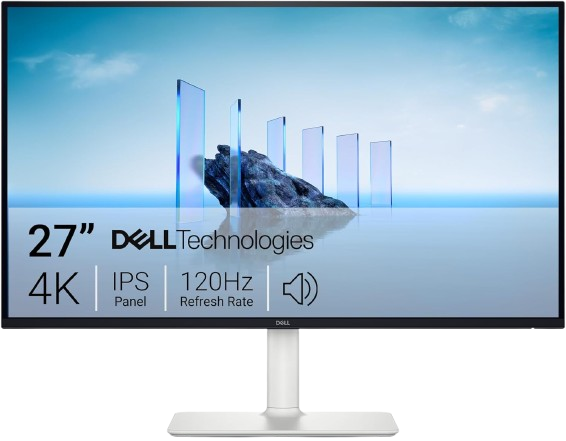
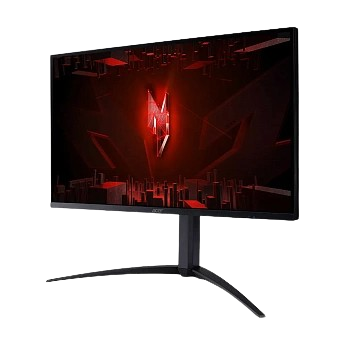
For gaming, a model with a high refresh rate and a fast panel is considered the optimal choice. The ASUS ROG Swift OLED PG27UCDM leads our list with its 240Hz refresh rate and QD-OLED panel, which provides excellent contrast and minimal response time. If you're on a budget, the Dell S2725QS and Acer Nitro XV275K P3 also offer gaming-focused monitors with 4K and acceptable refresh rates at a more affordable price.
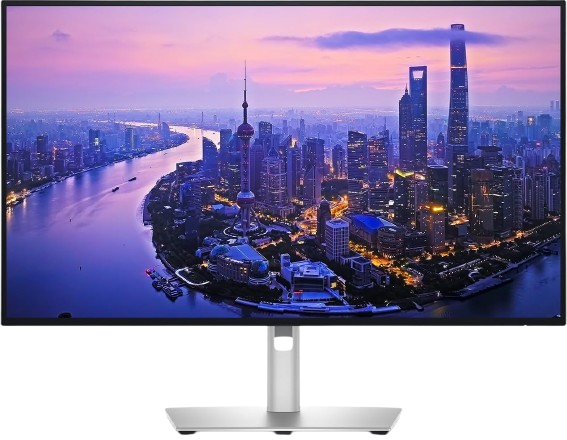
For office work, programming, document editing, and web browsing, text clarity, comfortable ergonomics, and consistent color reproduction are essential. The Dell UltraSharp U2725QE stands out here: it's focused on productivity, boasts high-quality build quality, and convenient connectivity options. The Dell S2725QS is also a good all-rounder if you're looking for a balance between price and quality without overpaying for premium features.
OLED panels provide the best picture quality, but there's a risk of pixel burn-in when working with fixed elements (program panels, menu bars, and the dock) for extended periods. If you plan to primarily game, watch videos, and occasionally work, OLED is an excellent choice. However, if you spend 8+ hours a day staring at static windows, consider a high-quality IPS panel, such as the Dell UltraSharp U2725QE or Dell S2725QS.
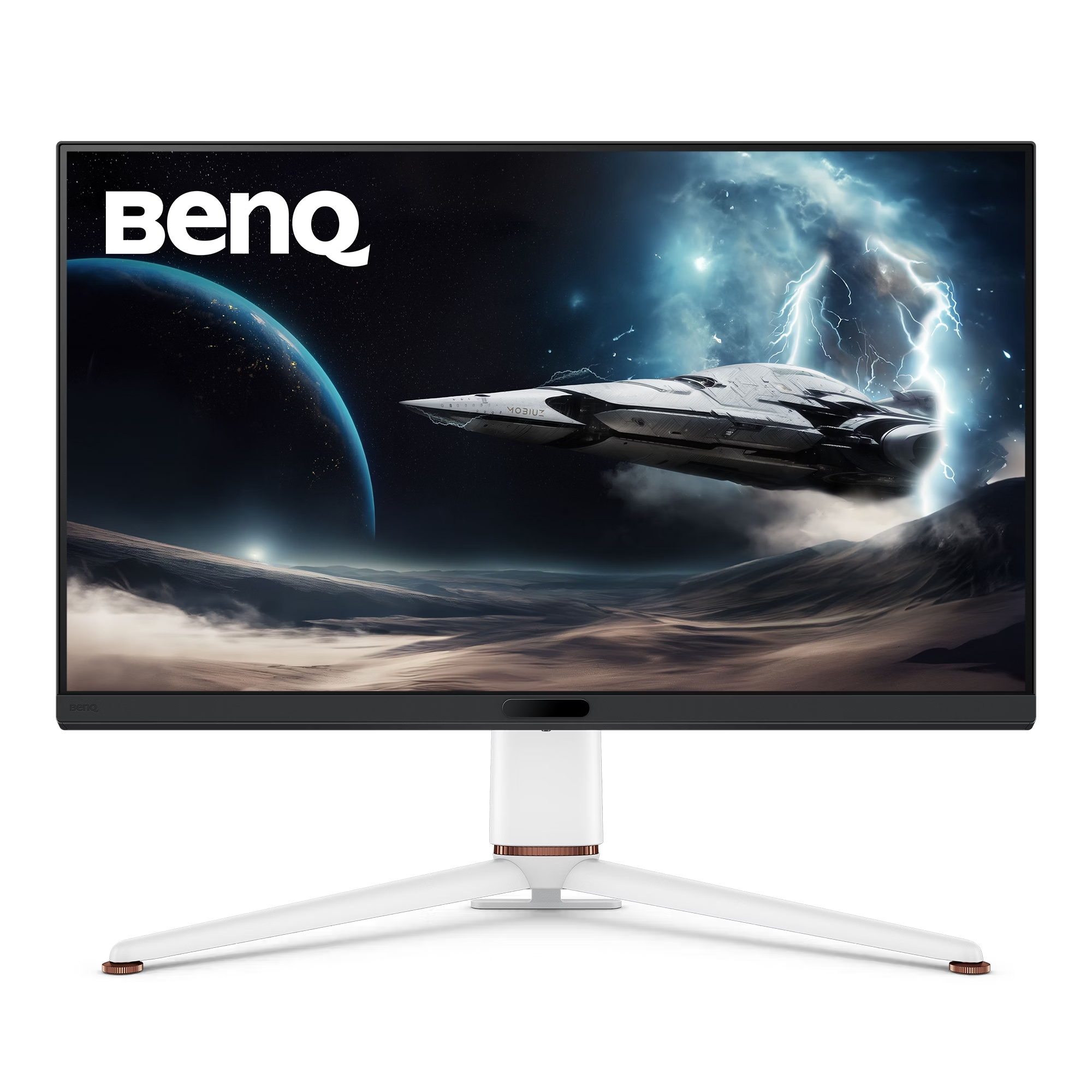
27-inch displays offer the optimal balance between clarity and space: the pixel density is higher, text appears very sharp, and the monitor is easier to place on a standard desk. 32 inches provide more workspace and a "theater-like" feel, which is appreciated by gamers and those who like to scale windows. The BenQ MOBIUZ EX321UX is an example of a large 32-inch 4K monitor on our list for more immersive scenarios.
For everyday work, internet use, office tasks, and 4K video viewing, most modern integrated and budget discrete graphics cards are sufficient. For 4K gaming, a powerful graphics card like the NVIDIA GeForce RTX 40-series or AMD Radeon RX 7000-series is desirable to achieve consistently high FPS. If you don't play demanding games, a 4K monitor will still be useful due to the detail in the interface and content.
Key parameters include: display type (OLED, IPS, Mini LED), refresh rate (60 Hz for work, 120–240 Hz for gaming), HDR support, color quality, and ergonomics. It's also important to check the ports (HDMI 2.1, DisplayPort 1.4, USB-C with power) if you're connecting a laptop, console, or external devices. In our guide, each model is selected based on these criteria and real user reviews.