Best Ultrawide Monitors 2026: Top Picks for Gaming, Work & Productivity
Ultrawide monitors offer expansive screen real estate that transforms both workflows and gaming immersion. The best models combine crisp WQHD or DQHD resolution, high refresh rates, and accurate color reproduction with robust build quality. Our research has identified the best models for gaming, office work, content creation, and budget-conscious users. Key factors include panel technology (OLED vs. VA vs. IPS), connectivity options like USB-C with power delivery, and adaptive sync support. Whether you need a 34-inch monitor for everyday use or a 49-inch dual-monitor setup, these options represent the most informed recommendations available in 2026.
Some links on this page are affiliate links. If you buy through them, we may earn a commission at no extra cost to you.
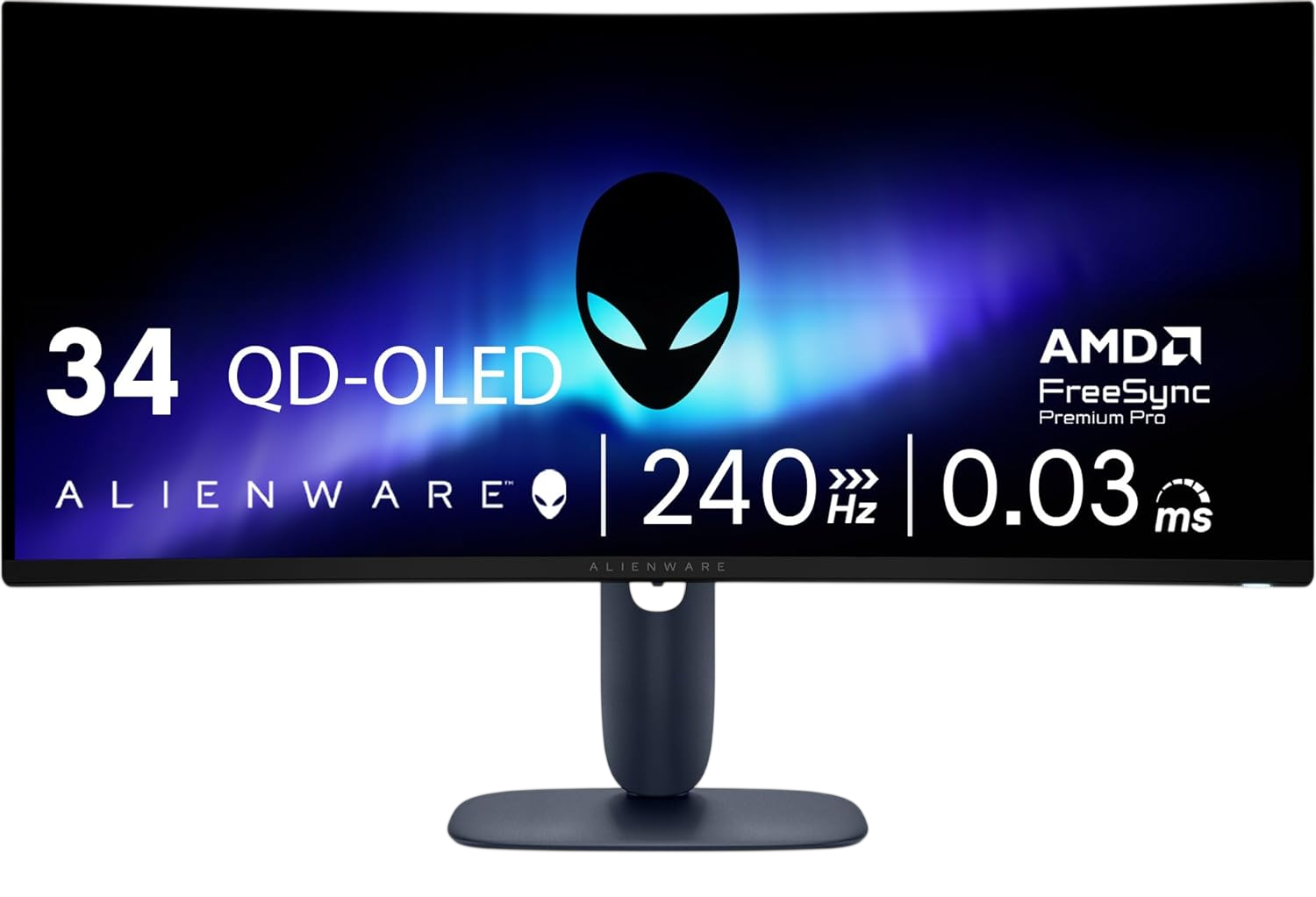
A premium 34.2-inch QD-OLED ultrawide gaming monitor delivering exceptional color accuracy, infinite contrast, and 240Hz refresh rate performance. Features DisplayHDR TrueBlack 400 certification and comprehensive adaptive sync support for smooth, tear-free gaming.
Why we love it
QD-OLED panel provides infinite contrast with deep blacks and vibrant, accurate colors covering 99.3% DCI-P3
240Hz refresh rate with 0.03ms response time delivers ultra-smooth motion for competitive gaming
1800R curvature creates immersive field of view without excessive distortion
Broad adaptive sync support including NVIDIA G-SYNC Compatible and AMD FreeSync Premium Pro
Factory calibration ensures excellent color accuracy out of the box with Delta E under 2
Watch out for
No USB-C video input with power delivery for laptop docking
Text clarity can show slight fringing due to OLED subpixel layout
SDR brightness maxes around 240 nits, limiting use in very bright rooms
Best for: Gamers and content creators seeking premium OLED picture quality with high refresh rate performance in a 34-inch ultrawide format.
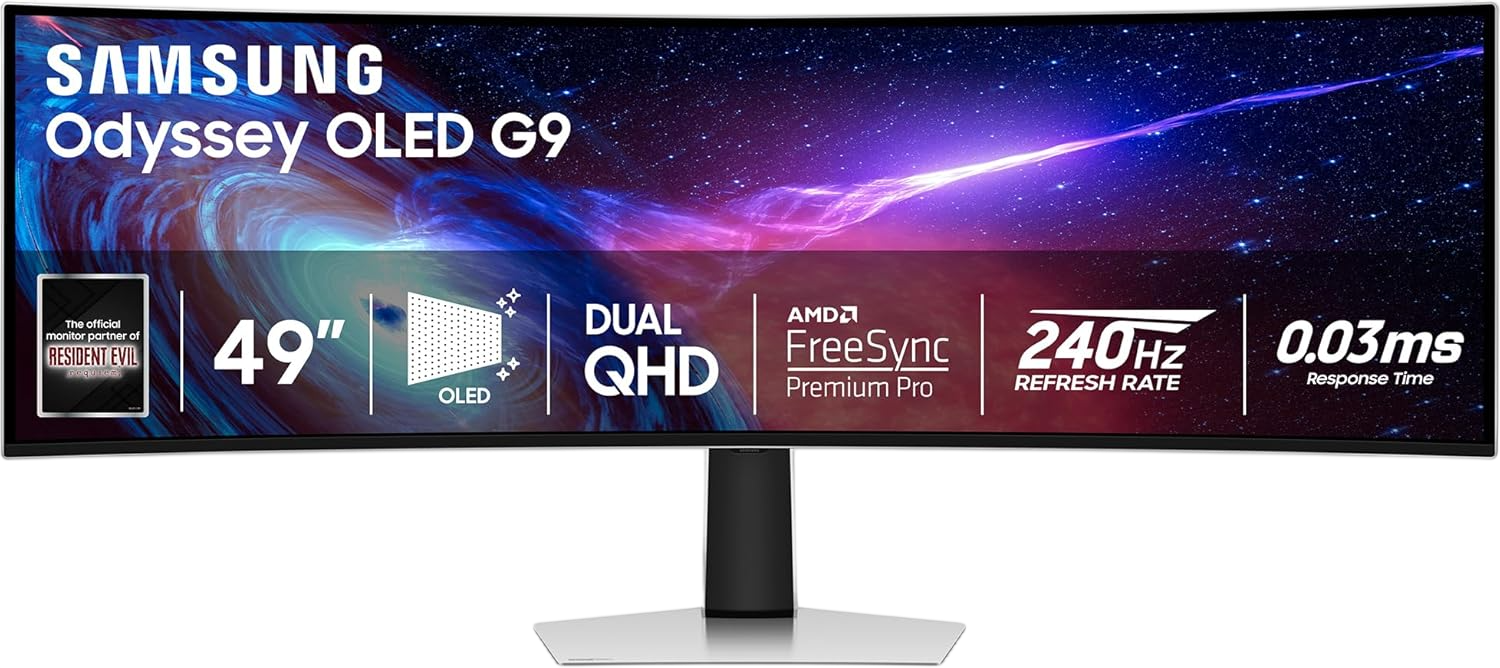
A massive 49-inch QD-OLED super ultrawide monitor with 240Hz refresh rate and Dual QHD resolution. Effectively replaces dual 27-inch displays with seamless immersion for gaming, productivity, and content creation.
Why we love it
49-inch QD-OLED panel delivers infinite contrast with 240Hz refresh and 0.03ms response time
Dual QHD resolution (5120×1440) equals two 27-inch 1440p displays side by side without bezel gap
1800R curvature wraps screen naturally around field of view for reduced eye strain
HDMI 2.1 and DisplayPort 1.4 support enables next-gen console and PC gaming at full specs
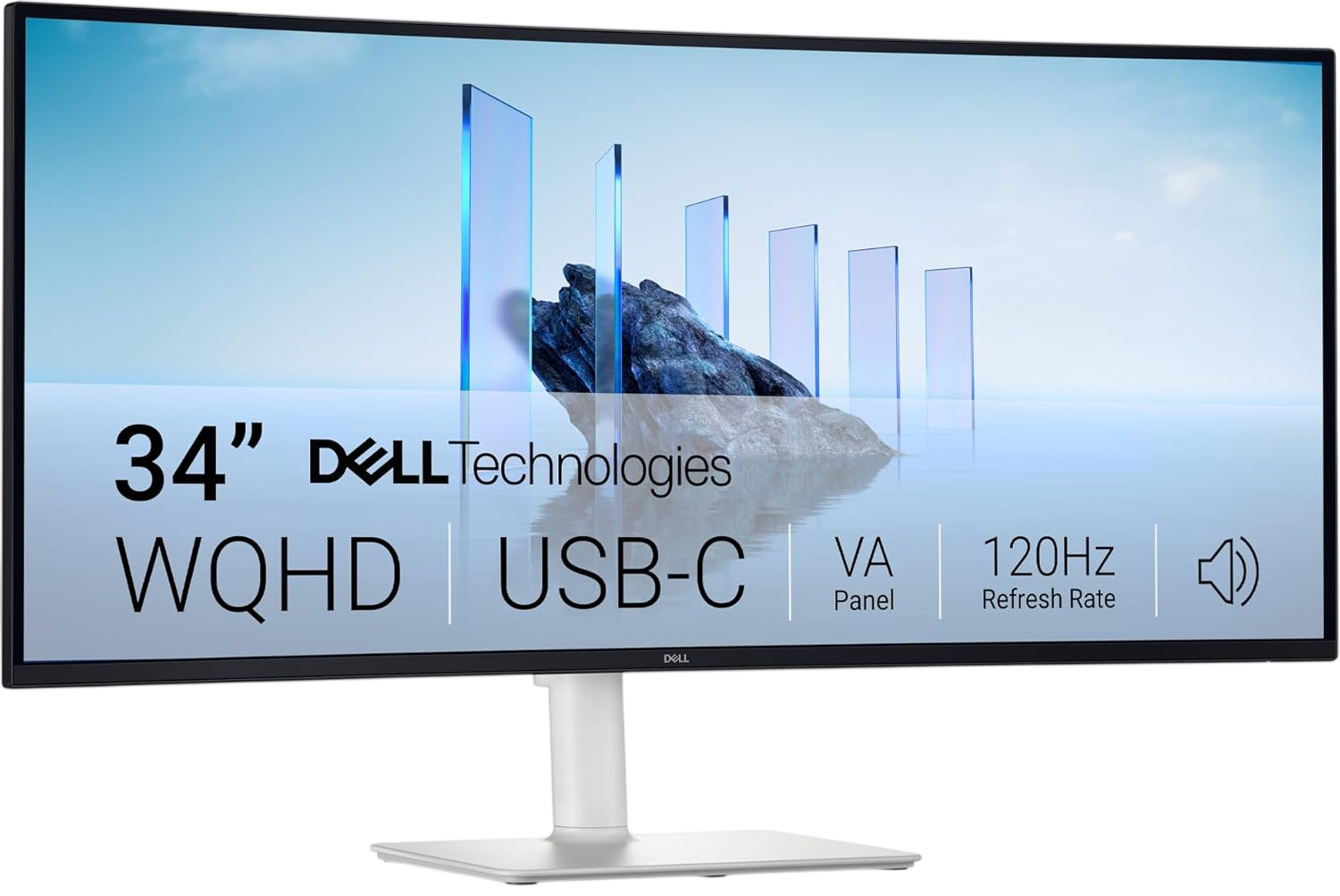
A versatile 34-inch curved ultrawide monitor balancing productivity features with casual gaming capability. Includes USB-C with 65W power delivery, built-in speakers, and strong color coverage for an all-in-one workspace solution.
Why we love it
USB-C connectivity with 65W power delivery enables single-cable laptop docking
VA panel delivers 3,000:1 contrast ratio for deeper blacks than typical IPS displays
120Hz refresh rate provides smooth scrolling and casual gaming capability
95% DCI-P3 and 99% sRGB color coverage ensures vibrant, accurate visuals
Built-in dual 10W speakers reduce desk clutter and cable management
Watch out for
120Hz refresh rate lags behind gaming-focused competitors at 180Hz or 240Hz
USB-C provides 65W power, which may not charge high-performance laptops at full speed
VA panel viewing angles narrower than IPS, affecting off-center color consistency
Best for: Office workers, programmers, and multitaskers who need USB-C docking, solid color accuracy, and built-in audio in a productivity-focused ultrawide display.
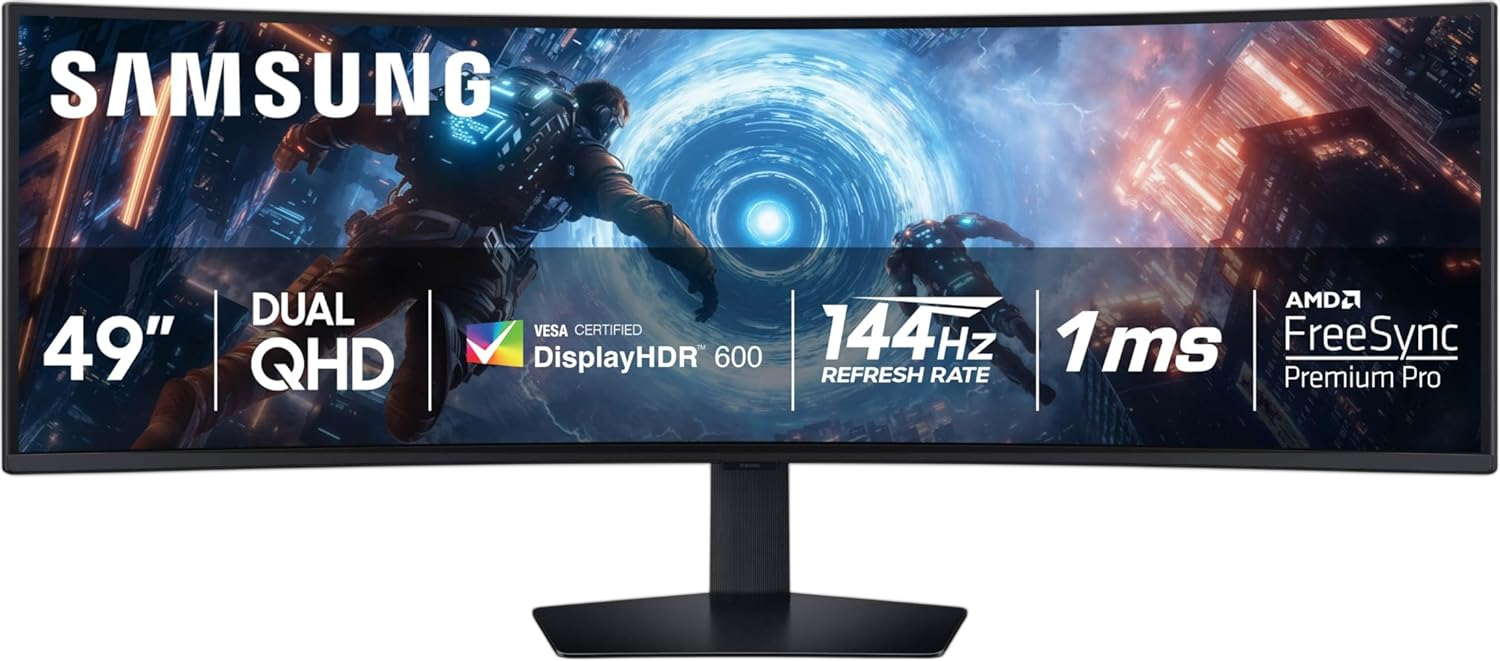
A 49-inch super ultrawide VA gaming monitor with 240Hz refresh rate, 1000R curvature, and DisplayHDR 1000 certification. Offers immersive dual-monitor replacement capability with high brightness and adaptive sync support.
Why we love it
49-inch Dual QHD (5120×1440) resolution replaces two 27-inch monitors without bezel interruption
240Hz refresh rate with 1ms response time delivers smooth, responsive gaming performance
1000R curvature matches human field of view for maximum immersion and reduced eye strain
DisplayHDR 1000 certification with peak brightness up to 1,000 nits for impactful HDR content
AMD FreeSync Premium Pro support ensures tear-free gaming across compatible graphics cards
Watch out for
VA panel contrast and black levels inferior to OLED alternatives in dark room viewing
49-inch size requires deep desk and proper viewing distance to avoid neck strain
No USB-C power delivery for laptop docking, limiting all-in-one workspace capability
Best for: Gamers and productivity users seeking maximum screen real estate at a lower price than OLED 49-inch alternatives, with high refresh rate and HDR performance.
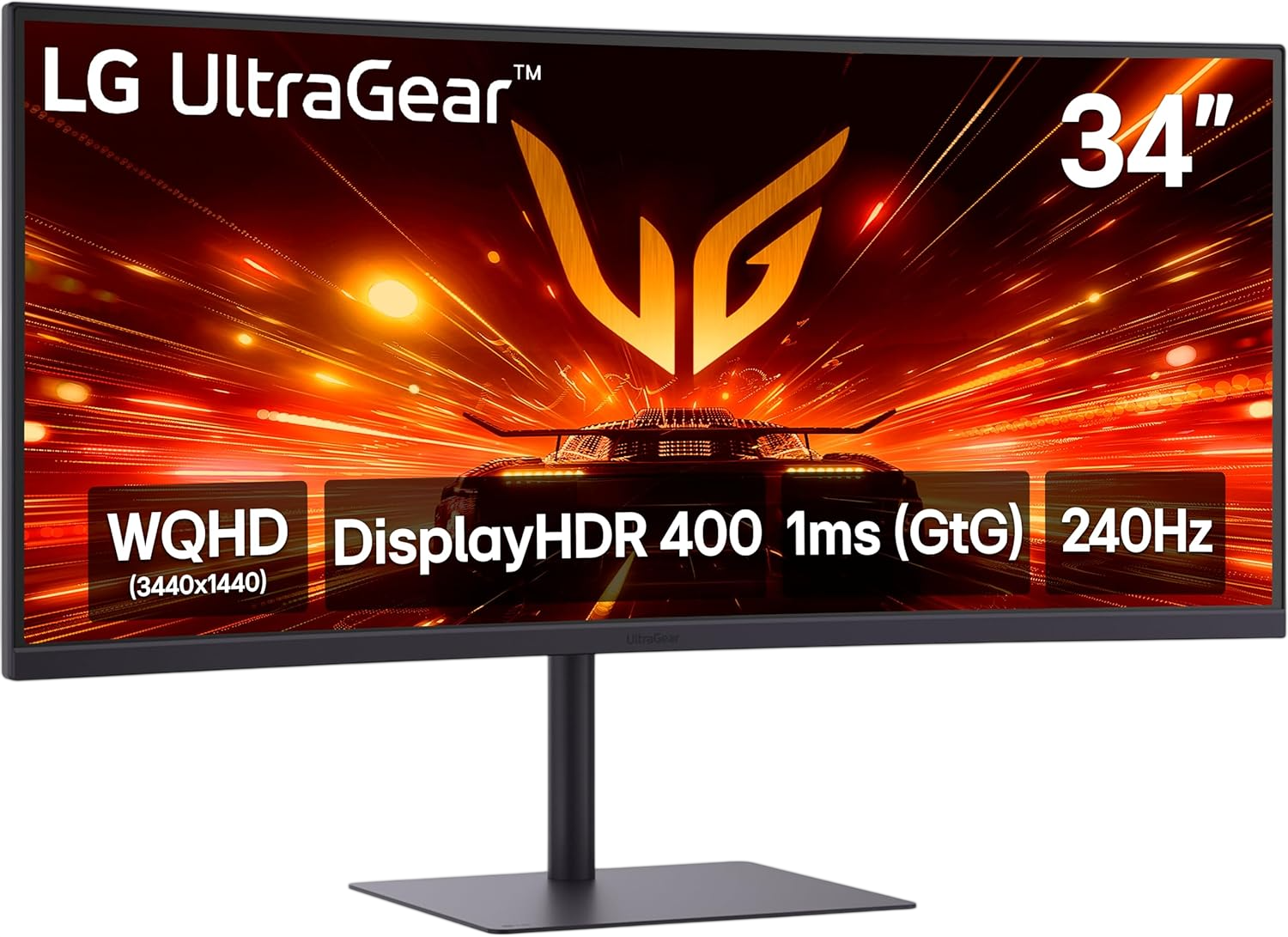
A 34-inch ultrawide gaming monitor featuring 240Hz refresh rate, 1ms response time, and AMD FreeSync Premium support. Delivers smooth motion and vibrant colors at a competitive price point for performance-focused buyers.
Why we love it
240Hz refresh rate with 1ms GtG response time ensures fluid, responsive gameplay
VA panel provides 3,000:1 contrast ratio for deeper blacks and better HDR performance
95% DCI-P3 color coverage delivers rich, accurate colors for gaming and media
AMD FreeSync Premium and VESA AdaptiveSync eliminate screen tearing across compatible GPUs
Built-in speakers and USB-C connectivity add convenience without extra peripherals
Watch out for
USB-C provides only 15W power delivery, insufficient for charging most laptops
VA panel viewing angles narrower than IPS, affecting color consistency off-center
15W USB-C charging limits laptop docking utility compared to 65W or 90W alternatives
Best for: Competitive gamers and esports enthusiasts who prioritize high refresh rate performance and smooth motion clarity in a 34-inch ultrawide format.
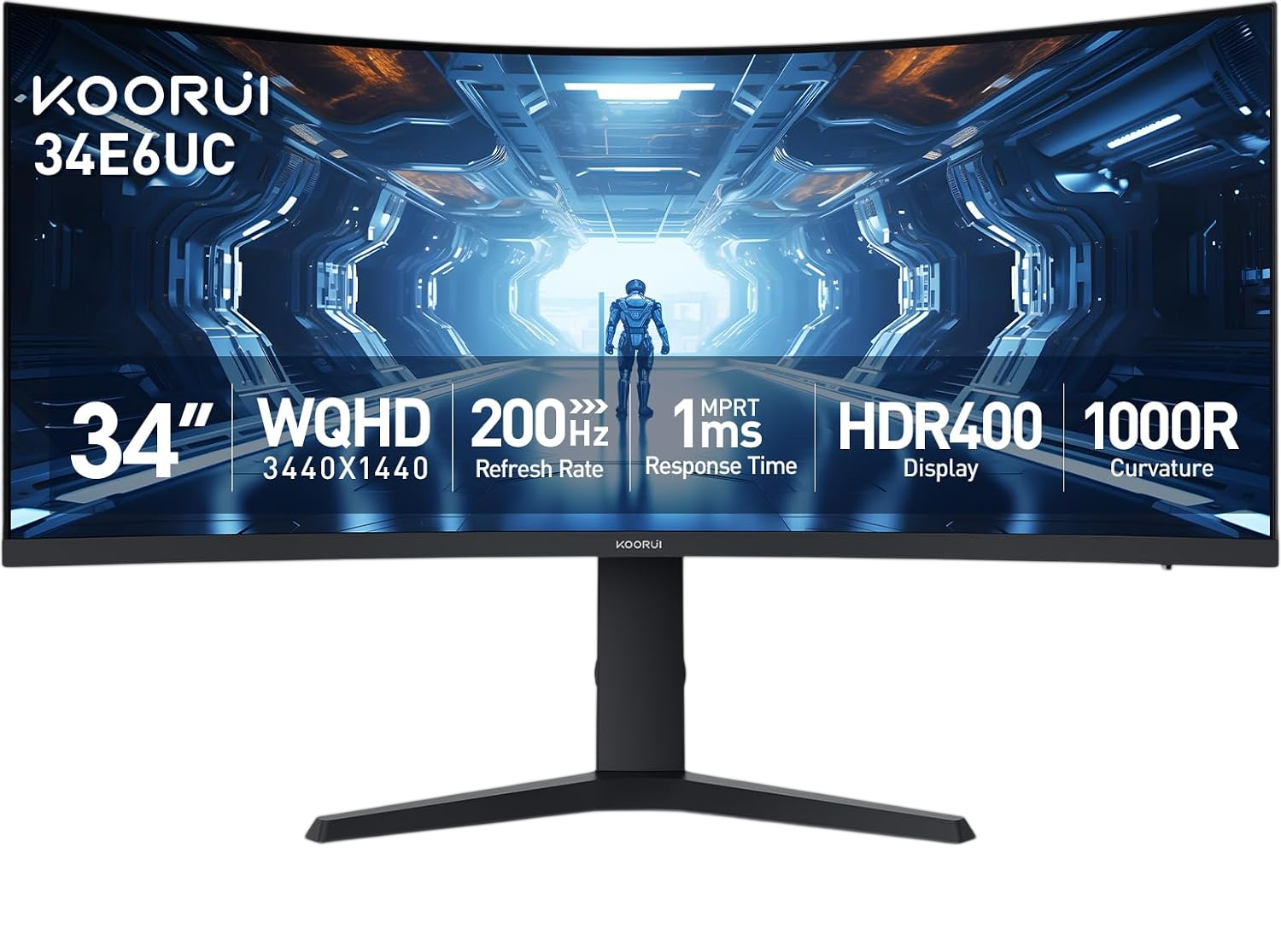
A budget-friendly 34-inch curved ultrawide gaming monitor with 180Hz refresh rate, 1000R curvature, and HDR400 support. Delivers solid gaming performance and color accuracy at an accessible price point.
Why we love it
180Hz refresh rate with 1ms MPRT response time provides smooth gaming at budget pricing
1000R curvature creates immersive viewing experience matching human field of view
95% DCI-P3 color coverage ensures vibrant, accurate colors for gaming and media
HDR400 certification and 4000:1 contrast ratio deliver deeper blacks than typical IPS panels
Height, tilt, and swivel adjustable stand offers ergonomic flexibility uncommon at this price
Watch out for
VA panel viewing angles narrower than IPS, affecting off-center color consistency
No USB-C connectivity for laptop docking or single-cable workspace setups
Build quality and OSD menu less refined than premium brand alternatives
Best for: Budget-conscious gamers and multitaskers who want 34-inch ultrawide immersion with high refresh rate performance without premium pricing.
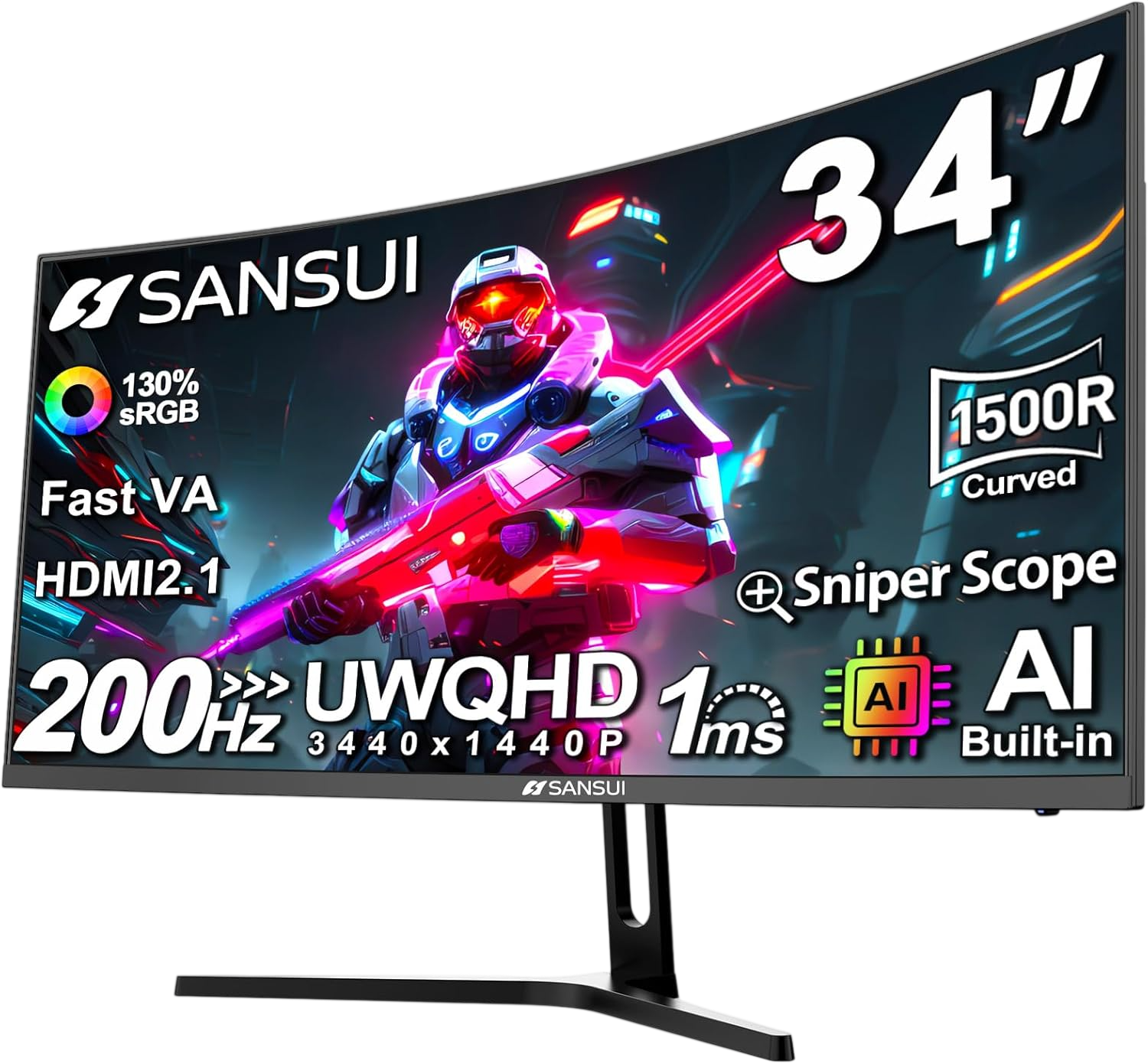
A value-oriented 34-inch curved ultrawide monitor featuring 200Hz refresh rate, 1ms response time, and wide color gamut coverage. Targets buyers seeking high refresh rate performance at aggressive pricing.
Why we love it
200Hz refresh rate exceeds many competitors at similar price points for smooth motion
1500R curvature provides immersive viewing without excessive distortion
130% sRGB and 97% DCI-P3 color coverage delivers vibrant, saturated visuals
HDMI 2.1 and DisplayPort 1.4 support enables next-gen console and PC connectivity
PIP/PBP functionality allows dual-input multitasking for productivity workflows
Watch out for
No built-in speakers, requiring external audio solution for media consumption
Brand recognition and long-term reliability less established than major manufacturers
1500R curvature less aggressive than 1000R competitors, affecting immersion level
Best for: Entry-level gamers and multitaskers prioritizing high refresh rate performance and wide color gamut at the lowest possible price in the 34-inch ultrawide category.
The Alienware AW3425DW earned its overall best-in-class title thanks to its combination of high-quality QD-OLED visuals and 240Hz gaming performance in a versatile 34-inch ultrawide format. An infinite contrast ratio, 99.3% DCI-P3 color gamut coverage, and factory calibration ensure exceptional image accuracy for both gaming and creative work. A 0.03ms response time and comprehensive adaptive sync support ensure smooth, tear-free gaming on NVIDIA and AMD graphics cards. While it lacks USB-C power delivery for docking, its DisplayPort 1.4 and two HDMI 2.1 inputs allow connection to modern PCs and fully specced consoles. The 1800R curved shape balances immersion and viewing comfort, avoiding the excessive distortion common to 1000R panels. For buyers looking for the best combination of image quality, gaming performance, and color accuracy in a 34-inch ultrawide monitor, the AW3425DW represents the strongest, evidence-based recommendation available in 2026.
How we picked
Our recommendations are based on independent, research-based product analysis, not personal hands-on testing. We compared manufacturer specifications, technical documentation, professional product reviews, and user reviews from various sources. Products were evaluated based on features, performance, compatibility with modern systems, reliability, and overall value for money. We prioritized information consistently found in independent reviews and community discussions, avoiding reliance on isolated sources or isolated opinions. Where sources disagreed on specifications or performance claims, we used the most recent and reliable data available. This methodology ensures that recommendations reflect the most effective combination of proven features, real-world experience, and expert technical assessments. Our goal is to provide actionable, fact-based recommendations that help buyers make informed decisions with confidence.
Frequently Asked Questions
For 34-inch ultrawide monitors, 3440×1440 (UWQHD) is the standard and recommended resolution. This provides sharp text and detailed images at typical viewing distances while remaining manageable for most graphics cards in gaming. Higher resolutions like 5120×1440 exist but are typically found on 49-inch displays and require more powerful hardware. Avoid 34-inch monitors with only 2560×1080 resolution, as pixel density will appear noticeably softer for productivity work.
OLED panels deliver superior contrast with true blacks, faster response times, and more vibrant colors compared to VA or IPS LCDs. However, they come at a premium price and carry potential burn-in risk with static content over extended periods. For gaming and media consumption, OLED's advantages are significant. For office work with static windows and text, high-quality VA or IPS panels may offer better long-term value and peace of mind. Consider your primary use case and budget when deciding.
For productivity work like coding, office tasks, and web browsing, 100-120Hz provides noticeably smoother scrolling and window management than 60Hz without requiring high-end graphics hardware. For gaming, 144Hz is the practical minimum for competitive titles, while 180-240Hz benefits fast-paced FPS and racing games. Match refresh rate to your actual usage: casual gamers and productivity users can prioritize color accuracy and connectivity over maximum refresh rate, while competitive players should prioritize speed.
USB-C with power delivery is essential if you plan to dock a laptop with a single cable for video, data, and charging. Look for at least 65W power delivery for most laptops, or 90-100W for high-performance machines. If you use a desktop PC or don't need laptop charging, USB-C becomes less critical. For multi-device workflows, USB-C hubs with KVM switching functionality can further streamline desk setups by controlling multiple computers from one keyboard and mouse.
A 49-inch ultrawide with 5120×1440 resolution effectively replaces two 27-inch 1440p monitors side by side without a bezel gap, while a 34-inch 3440×1440 model provides roughly 34% more horizontal space than a standard 16:9 1440p display. The 49-inch format excels for multitasking, sim racing, and immersive gaming but requires more desk space and viewing distance. The 34-inch size fits more desks comfortably and demands less graphics power for gaming. Choose based on your desk dimensions, GPU capability, and whether you need dual-monitor-level workspace.
Curved ultrawide monitors, especially at 34 inches and larger, reduce eye strain and improve immersion by keeping screen edges at a more consistent distance from your eyes. Curvature ratings like 1000R, 1500R, or 1800R indicate tightness, with lower numbers meaning more aggressive curves. For ultrawide formats, curved panels are generally preferred for gaming and productivity. Flat ultrawides exist but are less common and may cause more distortion at screen edges on larger sizes. For 34-inch and above, curved is typically the better choice.