Best Monitors for Home Office in 2026: Top Picks for Productivity
Choosing the right monitor can transform your home office, enhancing comfort, productivity, and image clarity. The best home office monitors combine high resolution, reliable connectivity, ergonomic adjustments, and eye comfort for extended use. In 2026, the best options will feature 4K and QHD resolutions, and single-cable USB-C connectivity will become the standard for laptop users. This guide features monitors that consistently earn high marks for text clarity, color reproduction, build quality, and real-world usability. Whether you need a premium display with Thunderbolt or a budget 1440p option, these models deliver proven performance without unnecessary frills.
Some links on this page are affiliate links. If you buy through them, we may earn a commission at no extra cost to you.
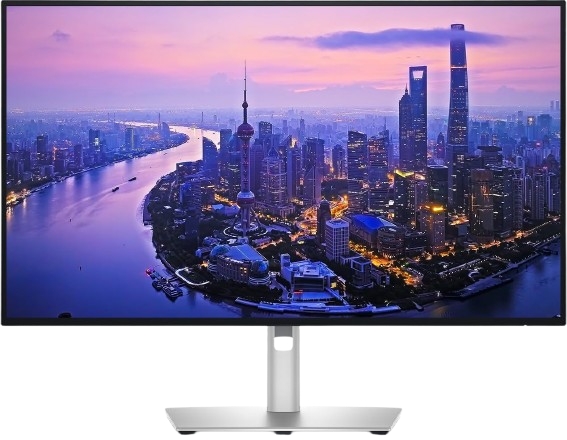
A premium 27-inch 4K monitor featuring IPS Black technology for deeper contrast, 120Hz refresh, and a comprehensive Thunderbolt 4 hub with up to 140W power delivery. Factory-calibrated color accuracy and extensive connectivity make it ideal for demanding productivity and creative workflows.
Why we love it
IPS Black panel delivers 3000:1 contrast with 99% DCI-P3 and Delta E < 1.5 color accuracy
Thunderbolt 4 hub supports 140W power delivery, 2.5GbE Ethernet, and daisy-chaining
120Hz refresh rate ensures smooth scrolling and fluid multitasking
Fully adjustable stand with height, tilt, swivel, and pivot plus VESA compatibility
ComfortView Plus and ambient light sensor reduce eye strain during long sessions
Watch out for
Premium pricing compared to standard 4K office monitors
No variable refresh rate (VRR) support for gaming
Built-in speakers are functional but not high-fidelity
Best for: Professionals who need top-tier color accuracy, single-cable Thunderbolt docking, and premium ergonomics in a 27-inch 4K display.
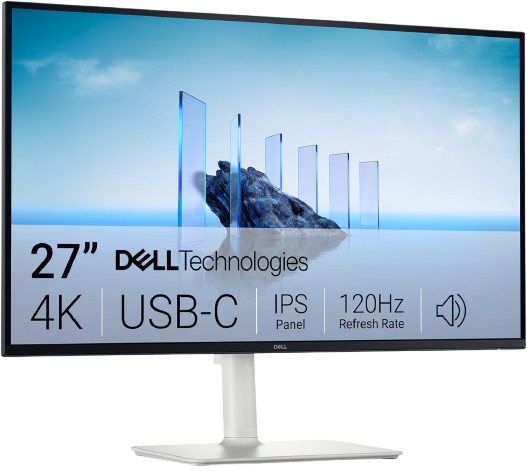
A 27-inch 4K IPS monitor offering 120Hz smoothness, 65W USB-C power delivery, and AMD FreeSync Premium at a mid-range price. Combines sharp text, solid color coverage, and full ergonomic adjustability for everyday office and creative tasks.
Why we love it
4K 120Hz IPS panel with 99% sRGB and 1500:1 contrast for crisp visuals
USB-C with 65W power delivery enables single-cable laptop docking
AMD FreeSync Premium reduces tearing during mixed work and light gaming
Fully adjustable stand with height, tilt, swivel, and pivot
ComfortView Plus low blue light mode and flicker-free backlight
Watch out for
65W USB-C may not charge high-performance laptops under full load
No Thunderbolt or Ethernet hub features
Speakers are basic and lack deep bass
Best for: Home office users seeking 4K clarity and USB-C convenience without premium pricing.
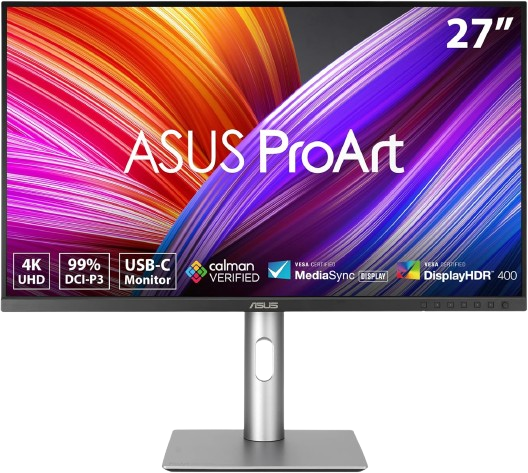
A color-accurate 27-inch 4K IPS monitor with 99% DCI-P3 and Adobe RGB coverage, Calman verification, and 96W USB-C power delivery. Designed for photographers, designers, and video editors who demand factory-calibrated precision.
Why we love it
99% DCI-P3 and 99% Adobe RGB with Delta E < 2 factory calibration
Calman Verified color accuracy for professional creative workflows
USB-C with 96W power delivery supports most laptops with one cable
Ergonomic stand with height, tilt, swivel, and pivot adjustments
TÜV-certified low blue light and flicker-free technologies
Watch out for
60Hz refresh rate limits motion smoothness compared to 120Hz rivals
No Thunderbolt or advanced hub features like Ethernet
Premium price for color-focused users who don't need Adobe RGB
Best for: Creative professionals who prioritize color accuracy and Adobe RGB coverage over high refresh rates.
A 27-inch QHD IPS monitor with 144Hz refresh, 65W USB-C power delivery, and AMD FreeSync. Delivers sharp text, smooth motion, and versatile connectivity at a competitive price for productivity and light gaming.
Why we love it
QHD 2560×1440 resolution offers excellent text clarity at 27 inches
144Hz refresh rate ensures smooth scrolling and responsive motion
USB-C with 65W power delivery simplifies laptop connections
Fully adjustable stand with height, tilt, swivel, and pivot
AMD FreeSync support reduces screen tearing during mixed use
Watch out for
QHD resolution provides less screen real estate than 4K
65W USB-C may not charge high-wattage laptops under load
Color coverage is good but not targeted at professional creative work
Best for: Budget-conscious users who want smooth 144Hz performance and USB-C docking in a 27-inch QHD display.
A 27-inch 4K IPS monitor with USB-C 90W power delivery, built-in Ethernet, and a KVM switch for seamless multi-device control. Offers HDR400 support, ergonomic adjustability, and a clean design suited for modern offices.
Why we love it
4K IPS panel with HDR400 and 99% sRGB color coverage
USB-C with 90W power delivery plus RJ45 Ethernet for wired networking
Integrated KVM switch simplifies control of multiple computers
Fully adjustable stand with height, tilt, swivel, and pivot
Eye Saver Mode and flicker-free technology for reduced strain
Watch out for
60Hz refresh rate may feel less smooth than 120Hz alternatives
USB-C hub lacks Thunderbolt and daisy-chaining support
Color accuracy is good but not factory-calibrated to professional standards
Best for: Office users who need USB-C docking, Ethernet, and KVM functionality in a 4K display.
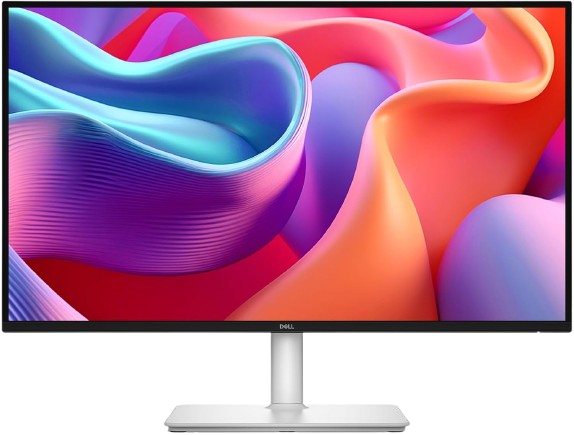
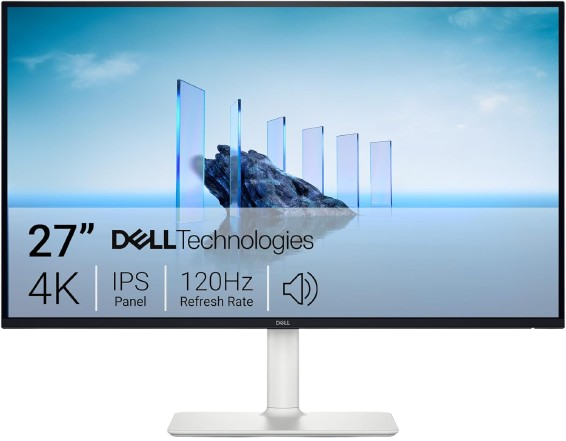
A 27-inch 4K IPS monitor with 120Hz refresh, AMD FreeSync Premium, and dual 5W speakers. Offers sharp visuals, smooth motion, and full ergonomic adjustability without USB-C docking.
Why we love it
4K 120Hz IPS panel with 99% sRGB and 1500:1 contrast
AMD FreeSync Premium support for tear-free visuals
Dual 5W built-in speakers provide decent audio for calls and media
Fully adjustable stand with height, tilt, swivel, and pivot
ComfortView Plus low blue light mode and flicker-free backlight
Watch out for
No USB-C power delivery or hub features
4ms response time is adequate but not gaming-focused
Color accuracy is good but not factory-calibrated for professional work
Best for: Users who want 4K 120Hz performance and built-in speakers without needing USB-C docking.
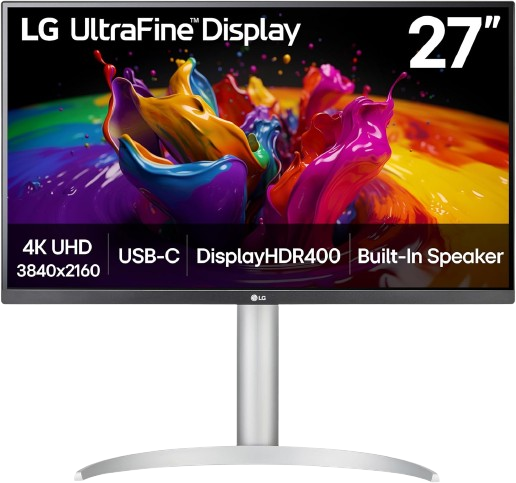
A 27-inch 4K IPS monitor with 95% DCI-P3 color, DisplayHDR 400, and 90W USB-C power delivery. Features ergonomic adjustability, built-in speakers, and Reader Mode for comfortable document work.
Why we love it
4K IPS panel with 95% DCI-P3 and DisplayHDR 400 certification
USB-C with 90W power delivery supports single-cable laptop docking
Ergonomic stand with height, tilt, pivot, and swivel adjustments
Built-in stereo speakers with Waves MaxxAudio enhancement
Reader Mode and flicker-free backlight for extended reading sessions
Watch out for
60Hz refresh rate limits motion smoothness
Color accuracy is strong but not factory-calibrated to Delta E < 2
USB-C hub lacks advanced features like Ethernet or KVM
Best for: Creative users and MacBook owners who want 4K clarity, good color, and USB-C convenience.
The Dell UltraSharp U2725QE monitor takes the top spot with its combination of professional color accuracy, premium connectivity, and smooth 120Hz performance in a single 27-inch 4K display. Its Black IPS panel delivers a 3000:1 contrast ratio and a factory-calibrated Delta E < 1.5, ensuring text and images are crisp and lifelike. The Thunderbolt 4 hub supports up to 140W of power delivery, 2.5Gbps Ethernet, and daisy-chaining, making it a truly versatile single-cable solution for modern laptops. Full ergonomic adjustment, ComfortView Plus eye-care system, and an ambient light sensor further enhance comfort during long work sessions. While more expensive than standard 4K monitors, the combination of color accuracy, connectivity, and build quality makes the U2725QE the best monitor for serious home offices and creative professionals.
How we picked
Our recommendations are based on independent, research-based product analysis, not personal hands-on testing. We compared manufacturer specifications, technical documentation, and official product pages with numerous professional ratings and user reviews over a long period. Key criteria included resolution and pixel density for text clarity, panel technology and color gamut for visual fidelity, connectivity options (especially USB-C power delivery and hub functionality), ergonomic adjustability, and reliability data gleaned from community discussions. We prioritized information consistent with independent sources, placing more emphasis on recent, detailed technical evaluations than individual opinions. Where sources disagreed, we prioritized the most reliable and up-to-date data, avoiding unsubstantiated claims. This approach ensures that our recommendations reflect real-world performance, compatibility, and value for typical home office workflows.
Frequently Asked Questions
For 27-inch displays, 4K (3840×2160) offers the sharpest text and most screen real estate, ideal for multitasking and detailed work. QHD (2560×1440) provides a strong balance of clarity and performance at a lower price, especially if you prioritize smooth motion. 1080p is generally not recommended at 27 inches due to lower pixel density, which can make text appear less crisp.
Yes, USB-C with power delivery simplifies setups by charging your laptop and transmitting video over a single cable. Look for at least 65W for most ultrabooks; 90W or higher is better for performance laptops. Monitors with USB-C hubs also often include additional ports for peripherals, reducing cable clutter.
While 60Hz is sufficient for basic tasks, 120Hz or higher provides noticeably smoother scrolling, window dragging, and video playback, reducing perceived lag and eye strain. If you multitask heavily or switch between work and light gaming, a higher refresh rate enhances the overall experience.
IPS Black panels offer higher contrast ratios (around 3000:1 vs. 1000:1) by improving black levels while maintaining IPS viewing angles and color accuracy. This results in deeper shadows, better HDR performance, and more immersive visuals without sacrificing color fidelity.
For general productivity, refresh rate has a more noticeable impact on daily comfort and smoothness. However, if you work with photos, video, or design, color accuracy (Delta E < 2, wide gamut coverage) becomes critical. Many monitors now offer both 120Hz and strong color performance, providing the best of both worlds.
Built-in speakers are convenient for video calls and casual media but typically lack the depth and clarity of dedicated external speakers or headphones. If audio quality matters for your work, plan to use external audio. However, integrated speakers can still be useful as a backup or for quick tasks.