Computers
›
Monitors
Best Monitors for Designers
The right monitor can make a major difference in design work, from color-critical photo editing to precise layout and illustration. This guide focuses on real, currently available models with strong reputations for accuracy, usability, and long-term value.
Some links on this page are affiliate links. If you buy through them, we may earn a commission at no extra cost to you.
Our Top Picks
🥇
Best Overall
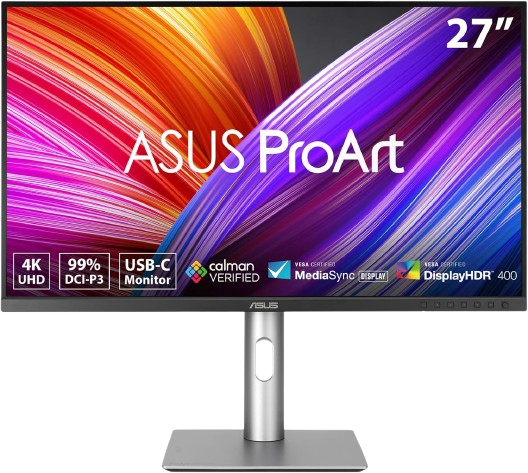
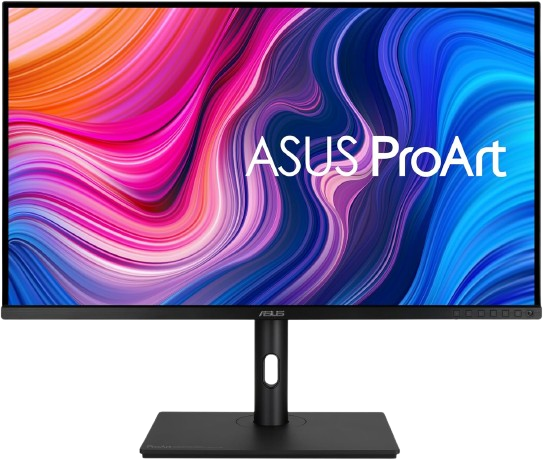
ASUS ProArt Display PA279CRV
9.6
Best Overall
A well-rounded 27-inch 4K creator monitor with excellent color specs and strong value for professional design work.
4K IPS panel with 100% sRGB, 99% Adobe RGB, and 99% DCI-P3 coverage. Factory-calibrated color with ΔE < 2 for more reliable out-of-box accuracy. USB-C with 96W power delivery helps keep desk setups clean. Ergonomic stand support makes it easier to dial in a comfortable working position. Strong expert reception for design, photo, and video workflows.
60Hz refresh rate is fine for design, but not a highlight for motion-heavy use. Brightness and contrast are good, but not class-leading against premium IPS Black models. The 27-inch size may feel small if you prefer a larger canvas for timelines and palettes.
Best for: Designers who want accurate color and a sensible 27-inch 4K workspace.
🥈
Runner-Up
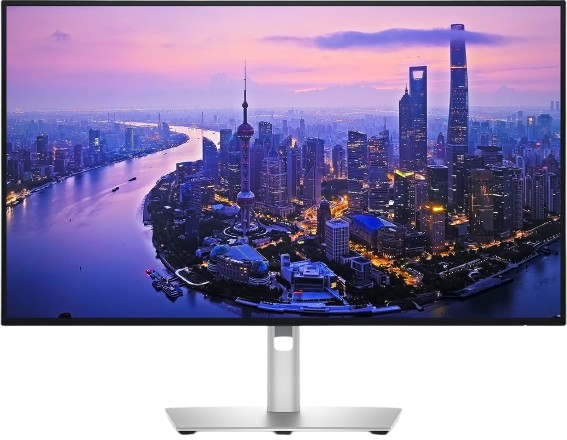
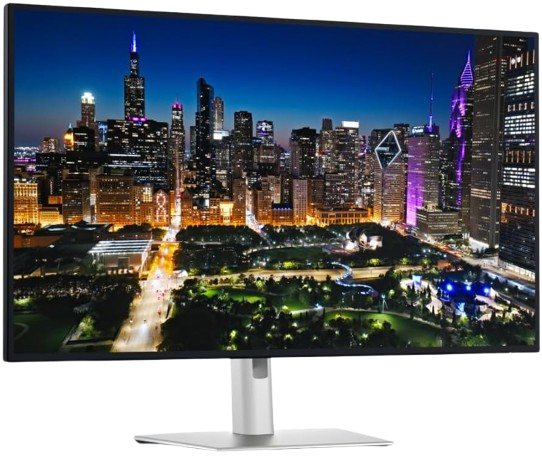
Dell UltraSharp U2725QE
9.4
Score
A premium 27-inch 4K monitor with creator-friendly connectivity and strong color credentials.
4K IPS Black panel with 99% DCI-P3 and 100% sRGB coverage. 120Hz refresh rate adds extra smoothness for everyday desktop use. Thunderbolt 4, USB-C, Ethernet, and KVM support make it a strong hub monitor. High contrast for an IPS-class display helps images and UI elements look richer. Strong review coverage positions it as a top-tier productivity and creative monitor.
Pricing is typically higher than most 27-inch design monitors. The feature set is rich, but it may be more monitor than some solo creators need. The 27-inch size is compact for users who prefer larger canvases.
Best for: Designers who want a polished desk setup with docking-style convenience.
🥉
Recommended
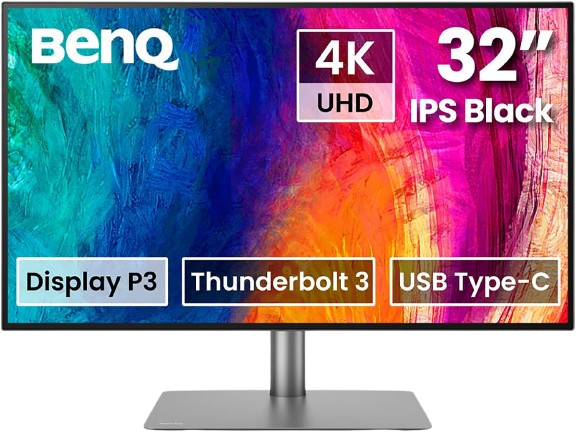
A 32-inch 4K designer monitor built around accurate color and workflow-friendly tools.
32-inch 4K IPS Black panel gives you more room for toolbars and timelines. Factory calibration and Delta E ≤2 positioning support dependable color work. Covers 98% P3, 99% sRGB, and 99% Rec.709, which suits mixed creative workflows. Thunderbolt 3, USB-C, and KVM features make it very practical on a desk. Strong professional reputation in creator-focused monitor roundups.
The 32-inch footprint takes up a lot of desk space. 60Hz refresh is standard, not special. It costs more than many 27-inch ProArt-style alternatives.
Best for: Creators who want more screen real estate without sacrificing color precision.
#4
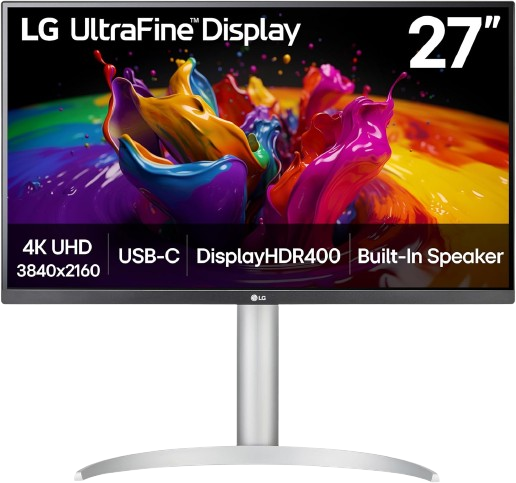
A budget-friendly 27-inch 4K monitor with solid color coverage and USB-C convenience.
27-inch 4K IPS panel offers sharp text and detailed design space. 95% DCI-P3 coverage is strong for general creative work. USB-C makes it easy to connect modern laptops. Ergonomic stand support adds flexibility for shared or home setups. Widely recommended as a balanced value option for creators.
Color performance is good, but not as strong as ProArt or UltraSharp flagship models. It is less feature-rich than higher-end creator monitors. Some buyers may prefer a more recent model if price differences are small.
Best for: Designers who want a capable 4K display without paying premium monitor prices.
#5
ASUS ProArt Display PA329CV
8.9
Score
A large-format 32-inch 4K ProArt monitor with accurate color and a generous workspace.
32-inch 4K IPS panel gives more room for multitasking and side-by-side panels. 100% sRGB and 100% Rec.709 coverage make it strong for web and video-adjacent workflows. ΔE < 2 and Calman Verified certification support reliable color handling. USB-C with display input and hub features keeps desk setup simple. The ProArt line has a strong track record with design-focused users.
It is still a 60Hz monitor, so it is not aimed at motion-heavy work. sRGB/Rec.709 focus may be limiting for Adobe RGB-heavy print users. The large panel may overwhelm smaller desks.
Best for: Designers who want a bigger canvas and dependable factory-tuned color.
#6
Dell UltraSharp U3225QE
9.0
Score
A 32-inch premium creator and productivity monitor with deep blacks and excellent connectivity.
1.5-inch 4K IPS Black panel gives a spacious and comfortable layout. 99% DCI-P3 and 100% sRGB coverage fit a wide range of creative tasks. 120Hz refresh rate and strong contrast help everyday use feel smoother and richer. Thunderbolt 4, USB-C, USB hub, and Ethernet make it dock-like and practical. Strong expert coverage places it among the most capable premium monitors available.
Expensive compared with most design monitors. The feature set is excellent, but not everyone needs this much connectivity. Its size and price make it less approachable for casual creators.
Best for: Designers who want a large, refined monitor that doubles as a powerful desktop hub.
#7
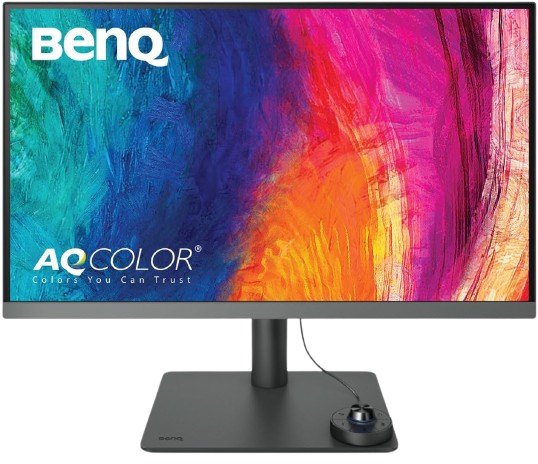
A practical 27-inch 4K designer monitor aimed at accurate everyday creative work.
27-inch 4K resolution provides a crisp workspace for design tools and text. BenQ positions it as a designer-focused monitor with P3 coverage and HDR400 support. The Pro-style tuning is meant for color-conscious creative workflows. BenQ’s creative monitor line has a strong reputation among professionals. It is a more accessible entry point than many flagship ProArt and UltraSharp models.
Less premium than BenQ’s higher-end PD series models. Exact feature depth varies by region and retailer listing. Some buyers will want more ports or a larger screen for serious multitasking.
Best for: Students and freelance designers who want a more affordable creator display.
The ASUS ProArt Display PA279CRV takes first place because it strikes the best balance of color accuracy, practical features, and price. Its 4K IPS panel, wide Adobe RGB and DCI-P3 coverage, and ΔE < 2 calibration make it a credible tool for serious design work, not just a good-looking display. The 96W USB-C connection, ergonomic stand, and broad professional support make it easy to live with every day. It is the kind of monitor that fits photo editing, illustration, branding, and web design without forcing major compromises. For most designers, it delivers the most complete package.
We selected these monitors by comparing manufacturer specifications, expert reviews, long-term user feedback, and feature sets that matter most to designers: color gamut coverage, factory calibration, panel type, resolution, uniformity features, ergonomics, and connectivity. We prioritized models that consistently appear in professional recommendations and have strong review histories rather than chasing the newest releases or marketing claims. We also favored monitors that balance accuracy with practical workflow features such as USB-C, KVM support, daisy chaining, and adjustable stands. Wherever possible, we checked Amazon US listings to confirm the products are sold there and available to affiliate shoppers. Personal hands-on testing was not used; recommendations are based on documented specs, trusted reviews, and broad user experience patterns.
Found this helpful? Share it
← Back to all reviews